


Updated June 10, 2026
TL;DR:
If you manage a sales team and want to use AI sales agents, you must establish strict technical and operational guardrails. AI agents scale execution, but without verified data, human QA, and structured warmup, they also scale deliverability disasters. Instantly.ai helps you avoid critical AI sales agent mistakes by providing unlimited sending accounts, and a private deliverability network of 4.2M+ accounts. This guide outlines critical pitfalls to watch and how to fix them.
An AI sales agent can send thousands of emails in minutes, but if your data is unverified and your guardrails are missing, those minutes can blacklist your primary domain for months and damage your quarter's pipeline. This guide covers the most common AI sales agent mistakes, with systems-first fixes to protect your domain, standardize your team, and keep meetings flowing.
Why AI sales agent mistakes happen before the first send
Cold email automation sends sequences, nurtures leads, and follows up without manual effort per email. AI sales agents go further: they source leads, write personalized copy, warm up inboxes, handle replies, and in autonomous mode, progress conversations without a rep touching the workflow. The distinction matters because automation follows rules while agents make decisions.
The failure pattern often starts early. Before deploying an agent, audit your foundational inputs: messaging clarity, ICP definition, and offer quality. Automating a weak message at scale delivers that weakness at volume, and volume is what gets domains blacklisted. Audit your process before you automate it. Watch the Instantly co-founder demo walkthrough to see how a structured setup actually runs.
Mistake #1: feeding AI agents unverified contact data
Unverified contact data is a risk in any email campaign, but AI agents multiply that risk by orders of magnitude. A human might send 50 emails before noticing delivery problems. An AI agent can send 5,000 in the same window, turning a dirty list into a domain-killing event before you see the first bounce alert.
How high bounce rates destroy sender reputation
Email deliverability is your ability to land in the primary inbox rather than spam or the promotions tab. Key factors include hard bounce rate, spam complaint rate, authentication alignment across SPF, DKIM, and DMARC, and how recipients engage with your mail over time, among others. When an AI agent runs on unverified contacts, it sends to addresses that no longer exist, driving up hard bounces and signaling to ISPs that your sending practices are poor. Understanding how email bounces work is the first step to preventing them.
The thresholds matter. Data on domain health and sender reputation shows that hard bounces must stay below 1% to maintain healthy deliverability. When your bounce rate crosses 2%, ISPs begin throttling your delivery. Above 5%, poor sending practices can contribute to blocklisting by services like Spamhaus, which halts delivery across every provider that queries that block list. Spamhaus listings are primarily driven by spam traps, complaints, and IP reputation, but high bounce rates are a signal of the same underlying list quality problems that lead to those outcomes. Recovery typically requires weeks of disciplined sending: verified contacts only, capped at conservative daily volumes per inbox.
Instantly's verification and list hygiene controls
SuperSearch gives you access to 450M+ B2B leads with waterfall enrichment across five-plus providers, built-in LLM-assisted enrichment, and AI-powered list cleaning. Run every imported list through verification before sending, remove all failed-status addresses, and re-verify any list older than 90 days before reuse. Watch how others have generated 40,000+ leads using the AI Sales Agent with proper verification steps in place.
Mistake #2: skipping human review of AI outputs
AI agents classify replies and triage leads automatically, but removing human review from that workflow creates classification errors that compound fast. A misread reply can drop a warm prospect or send the wrong message at the wrong time, and at scale those mistakes damage pipeline and brand. The two failure modes below show where things break and how to fix them.
AI sales agent mistakes in triage
AI agents read reply intent and classify leads, but they make mistakes. A reply that says "send me more info" can be classified as positive interest or a removal request depending on context the agent misses. A "not now, try Q4" signal can be marked as a hard rejection and dropped from the pipeline. The AI Reply Agent documentation explains the classification logic, but no agent is accurate without a QA layer on top. Read the AI reply agent guide for the full classification breakdown.
3 steps to build a reliable QA layer
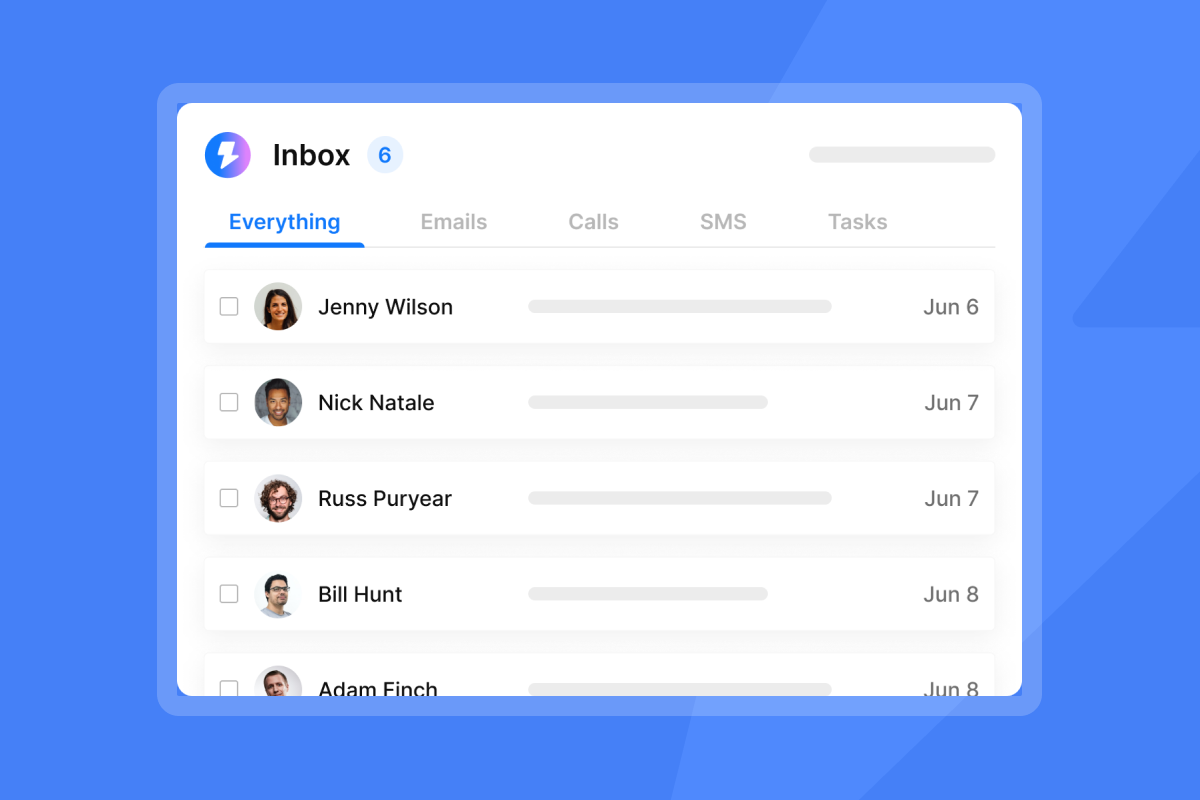
- Enable Human-in-the-Loop mode: In Instantly's AI Reply Agent settings, set the agent to draft replies for review rather than autopilot so a rep approves before sending.
- Connect Slack notifications: Instantly's native Slack integration pushes draft replies to your team's channel so approvals take seconds, not minutes.
Review patterns weekly: Note where reps stepped in to change a draft reply, and use those cases to spot recurring gaps in agent performance. When you notice recurring issues, consider refining the agent's instructions.
Factor | Fully autonomous AI | Hybrid AI-human (Instantly) |
|---|---|---|
Reply speed | Under 5 minutes | Under 5 minutes with approval |
Misclassification risk | High without oversight | Low with HITL review |
Brand damage exposure | High | Controlled |
Audit trail | Minimal | Full approval log |
Mistake #3: unsafe LinkedIn and browser automations
Browser-based LinkedIn tools promise speed but deliver account risk. Most operate outside LinkedIn's official API, using scraping and automation patterns that violate the platform's terms of service. When LinkedIn detects these tools, it can suspend accounts, and reps lose access to years of relationship history. The sections below cover how suspensions happen and how to build safe governance around LinkedIn outreach.
Avoiding profile suspensions
Browser-based scraping and automation tools that access LinkedIn outside the official API violate LinkedIn's terms of service. LinkedIn uses behavioral analysis to detect automation, looking at action velocity, message uniformity (identical bodies sent in bulk), and timing patterns such as perfectly regular intervals through the night. Minor restrictions last 24 to 48 hours. Serious or repeated violations result in permanent suspensions.
Rogue tools: a common implementation error
Tool sprawl is a governance problem. Reps install unapproved browser extensions, scraping tools, or third-party automation dashboards to hit quota faster. Common examples include extensions that auto-scrape profiles, auto-send connection requests, or auto-message connections outside LinkedIn's API limits. Each of those tools creates a security and compliance risk: they access accounts in unauthorized ways, they can expose prospect data, and when LinkedIn detects the behavior, it can flag the rep's account. This is a compounding cold email automation pitfall that grows with team size.
Safe automation guardrails and policies
For LinkedIn outreach, choose tools built around rate limiting, dedicated IPs, and human-behavior pacing rather than browser-based scraping. Instantly supports LinkedIn sequencing via Aimfox integration, which runs in the cloud with dedicated IPs, randomized timing, and capped daily action limits designed to reduce detection risk. It is not an official LinkedIn API integration, but it applies controlled pacing that separates it from the unconstrained browser extensions this section warns against. Watch the Aimfox integration walkthrough to see how it works in practice. Create a written policy: approved tools list, banned extensions, and a mandatory approval process before any new outreach tool is added to a rep's stack.
Mistake #4: failing to monitor inbox placement metrics
Passive monitoring is not enough when an AI agent can send thousands of emails before you check your dashboard. Inbox placement and bounce metrics shift daily, and a small decline left unchecked becomes a deliverability crisis. The two sub-sections below show how to catch list decay early and protect your primary inbox placement before ISPs throttle your domain.
Spotting list decay via bounce data
Lists decay over time as people change jobs and email addresses go inactive. A campaign that performed cleanly earlier in the year can show elevated bounces on the same list months later if you have not re-verified. Track bounce rate on every campaign, not just the first send. Watch for a rising trend week over week: if your average bounce rate across campaigns is climbing, your list is decaying faster than you are cleaning it.
Protecting your primary inbox placement
Primary inbox placement means landing in the recipient's main folder, not spam or promotions. Instantly's Inbox Placement testing tool sends test emails across a seed list and reports where they land, giving you placement data before you send at scale. Automated Inbox Placement tests run on a schedule so you catch drops early. Set two thresholds. If placement drops below 90%, investigate your sending patterns and list quality. If it drops below 85%, pause immediately and run this protocol:
- Pause the affected campaign immediately.
- Run an Inbox Placement test to confirm placement drop.
- Re-verify your full active contact list and remove failed addresses.
- Check domain authentication: SPF (Sender Policy Framework, which authorizes your sending IPs), DKIM (DomainKeys Identified Mail, which cryptographically signs each email), and DMARC (Domain-based Message Authentication, Reporting and Conformance, which tells receiving servers how to handle authentication failures).
- Restart at 5 to 10 emails per inbox per day and ramp back over 14 days.
Refer to the campaign error troubleshooting guide and the AI block list triggers article for full diagnostic checklists.
"I like that I can add unlimited domains with Instantly... Sending many cold emails to new prospects is possible without burning my domains or destroying the domain reputation, which is essential for my work." - Greg Z. on G2

Mistake #5: weak sequence design and messaging
AI agents write copy faster than any human, but speed does not equal effectiveness. Generic templates that lack personalization or fail to address the recipient's real pain point produce low reply rates, and poor reply rates reduce your pipeline and weaken your sender reputation over time. The sections below show how to avoid generic copy and use testing to find what actually converts.
Generic templates that kill engagement
AI agents write at speed, but speed does not equal quality. Generic templates that open with "I hope this email finds you well" or reference a company name without specific context read as mass email. Low engagement patterns can hurt your sender reputation even when your technical setup is clean. Personalize using actual prospect data: a recent funding announcement, a role change, a product launch, or a specific problem your ICP faces. Instead of "I hope this email finds you well," try "I saw your Series B announcement last week and noticed you're expanding into healthcare verticals."
Stop guessing with A/Z testing
Testing removes guesswork from sequence optimization. Instantly's A/Z testing supports up to 26 email variants per step, letting you test subject lines, opening lines, CTA wording, and email length simultaneously. Run at least two variants on every new campaign and use engagement data to cut the lower performer. The AI Sequence Writer, included on the Growth plan at $47/month, generates variant copy from your ICP and offer inputs so you start testing faster.
Mistake #6: letting reps run rogue AI campaigns
When reps configure AI campaigns independently, each inbox follows different warmup schedules, daily caps, and message strategies, which creates inconsistent sender reputation across your domain pool. One rep running too hot can trigger throttling that affects the entire team's delivery. Decentralized configuration is both a governance problem and a deliverability risk. The sections below show how variance kills performance and how to standardize safely.
How rep variance kills deliverability
When reps each configure their own AI agent instructions, send windows, and daily volume caps independently, you get different domain reputation trajectories for each. One rep running well above the daily cap from a recently warmed domain can trigger ISP throttling that affects the shared IP pool for everyone on your team. Variance is not just a QA problem, it is a deliverability problem.
Governance and approval workflows
Standardize at the workspace level. Define: approved sequence templates, maximum daily send caps per inbox (never above 30), approved contact sources, and required verification steps before upload. Use Instantly's team workspaces to centralize campaign creation so new sequences require manager review before activation. Consider requiring manager sign-off on new sequences before activation, covering copy, targeting, and daily send caps.
Fixing AI sales agent setup errors
When you find a misconfigured campaign, correct it in this order:
- Pause the campaign before it runs another send cycle.
- Audit the contact list and verify the bounce rate on sends already made.
- Check the AI agent instructions. Review the AI Sales Agent setup documentation to confirm configuration matches your ICP.
- Consider rebuilding the sequence from scratch using an approved template before reactivating.
Restart with a lower daily cap for 7 days to re-establish a clean sending pattern.
"The pre-warmed mailbox pool is a major unlock... the ability to spin up warmed mailbox inventory quickly... saves weeks per client launch." - Paul C. on G2
Note: Instantly's warmup system still requires a full 30-day ramp before live sends. The time saving is in setup and configuration, not in the warmup period itself.
Mistake #7: scaling too fast without a ramp plan
Sudden volume spikes are the fastest path to domain blacklisting. ISPs track sending patterns, and a jump from 20 emails per day to 500 overnight looks like a compromised account, triggering immediate throttling or spam placement. Without a structured ramp plan, scaling destroys the sender reputation you worked weeks to build. The sections below explain how rapid scaling kills placement and how to ramp safely.
How rapid scaling kills inbox placement
Sudden volume spikes are one of the strongest spam signals ISPs track. A domain that sent 20 emails per day for two weeks and then jumps to 500 per day overnight looks compromised to ISP algorithms. The result is typically immediate throttling across multiple providers and placement drops to spam. In severe cases, domain blacklisting can occur. Recovery timelines vary by provider and severity: throttling may clear within 24 to 72 hours of reducing send rate, but blacklist removal depends on the block list involved and can require a manual request. Either way, you lose sending days during your most active campaign window. Watch the cold emails going to spam breakdown to understand the technical triggers behind this.
The non-negotiable cap: Do not scale past 30 emails per single inbox per day. This conservative limit protects individual domain reputation. Industry recommendations vary, with most sources suggesting 20 to 50 emails per inbox per day depending on warmup stage. Instantly's guidance caps at 30 to keep your domain in a safe range throughout. Using secondary sending domains to expand volume is the correct approach, not increasing per-inbox volume above this cap.
Maintaining a healthy sender score
Domain age matters. A domain registered today will not reach healthy primary inbox placement for 4 to 6 weeks even with perfect technical setup. Instantly's Light Speed plan at $358/month (verified May 21, 2026) adds SISR (Server and IP Sharding and Rotation), which assigns dedicated private IP pools to your sending domains so your reputation is fully isolated from other senders.
Instantly's warmup and pacing system
Instantly's built-in warmup uses a deliverability network of 4.2M+ accounts to generate engagement signals that build sender reputation gradually. Follow this ramp for new inboxes:
- Days 1 to 7: Start at 2 sends per inbox on day one and increase by 2 per day, warmup active throughout. By day 7 you will be in the 12 to 16 send range per inbox, depending on how you pace the daily increment.
- Days 8 to 14: Increase to 10 to 20 sends per inbox per day.
- Days 15 to 30: Ramp toward 20 to 30 sends per inbox per day. Some sources suggest higher volumes are possible by week four after a clean warmup, but Instantly's guidance holds the cap at 30 per inbox to protect domain reputation. Do not exceed 30 per inbox at any point in this window.
- Day 31 onward: up to 30 sends per inbox per day, monitor bounce rate weekly.
Mistake #8: ignoring CRM integration and reporting gaps
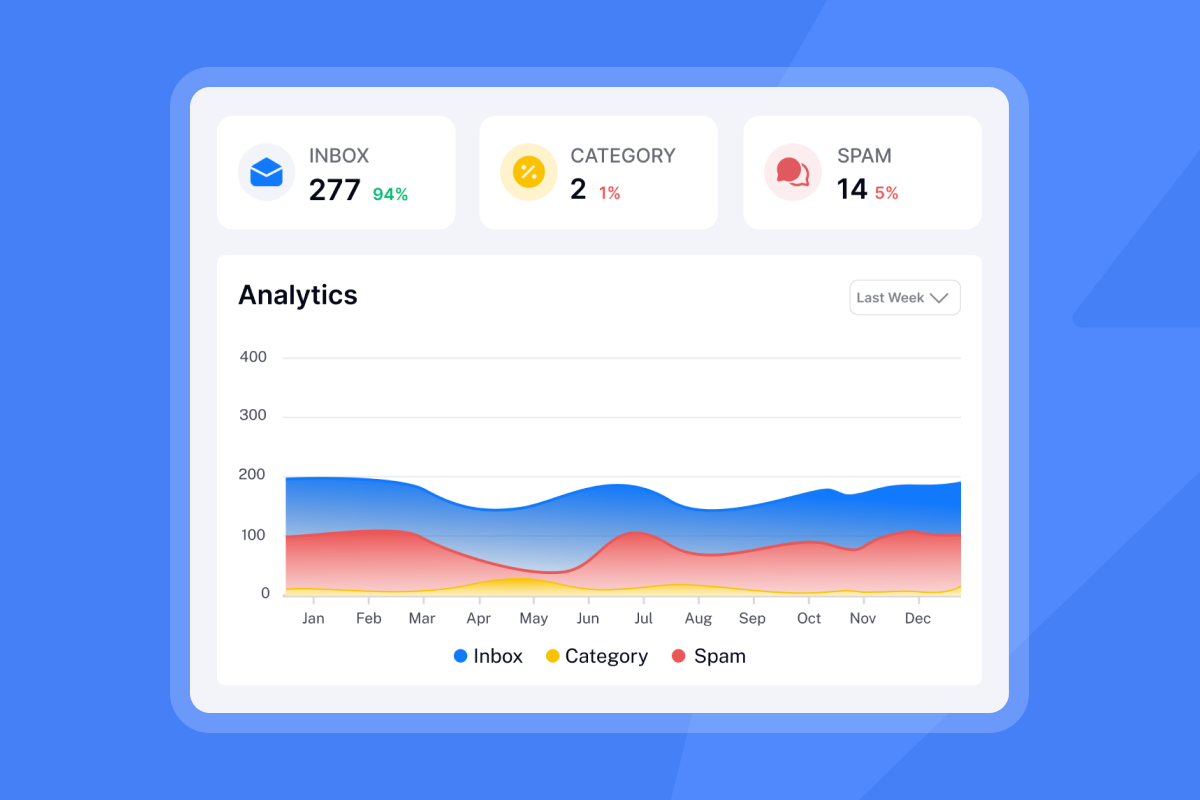
Disconnected reporting creates both a visibility problem and a trust problem. When your AI agent analytics show strong engagement but your CRM shows no corresponding pipeline growth, you either have broken tracking or inflated metrics. Either way, your AE team stops trusting outbound data, and you cannot make informed scaling decisions. The sections below show how to fix analytics gaps and CRM handoff failures.
Analytics that don't reconcile with pipeline
Reporting that shows high open rates but no corresponding reply lift is a signal your tracking is broken, not that your campaigns are working. Open rates can be inflated by mail preview panes and security scanners. Prioritize reply rate (target 5% or above), meetings booked, and conversion to SQL as your primary metrics. When your CRM integration is working correctly, reply rate, meetings booked, and SQL conversion give you a consistent view of pipeline progress. If your Instantly analytics and CRM show different meeting counts, there is a sync gap that needs fixing before you scale.
CRM gaps that break lead handoffs
When CRM sync lags, contacts stay marked "in sequence" after a call is already booked, and AEs go into conversations without the reply context they need. These gaps cost meetings and destroy AE trust in the outbound system. Instantly's native HubSpot integration supports one-way list export from HubSpot into Instantly.
Syncing activity back to HubSpot, including replies, engagement, and status changes, requires additional tooling. Bidirectional sync for both HubSpot and Salesforce can be achieved via OutboundSync to support real-time updates. All replies route into Unibox, giving your team a shared inbox with labeling and reply detection so handoffs happen on the same data.
How to avoid these mistakes from day one
This section consolidates the preceding mistakes into a single pre-launch action framework. It is designed for sales leaders who need to audit their AI campaign setup before the first send, and for ops teams who need a repeatable checklist that prevents the most common failure modes. Use this checklist to catch configuration errors, missing guardrails, and foundational gaps before they become deliverability disasters.
Pre-launch checklist for sales leaders
Use this checklist before any AI-driven campaign goes live:
- Domain authentication confirmed: SPF, DKIM, and DMARC records set and verified.
- All sending domains aged minimum 30 days before live sends, with warmup active throughout.
- All contact lists verified before upload, with predicted bounce rate below 2%.
- Daily send cap set per Instantly's guidance: no more than 30 emails per inbox per day, lower during warmup stages.
- AI Reply Agent configured in Human-in-the-Loop mode for the first 30 days.
- Slack notifications enabled for reply drafts requiring approval.
- Sequence templates reviewed and approved by a manager before activation.
- Inbox Placement test run and placement confirmed at 90% or above before the first send goes live.
- CRM integration tested: verified that replied leads update in real time.
- Weekly review cadence scheduled: bounce rate, reply rate, and placement.
- Tool governance established: define which outreach tools are approved for team use.
- Support contact confirmed: know who on your team owns deliverability response before your first send goes live.
Instantly's core safety guardrails
Instantly builds several of these guardrails directly into the platform so you do not have to configure them manually. The global block list prevents sending to contacts that have unsubscribed or been marked as do-not-contact. Bounce detection automatically removes hard-bounced addresses so they cannot be retried. Reputation protection monitors sender health and flags accounts that need attention. On the Light Speed plan, SISR adds dedicated IP pools for full reputation isolation.
Build your outbound system so every metric traces back to a source, every sequence was approved before it ran, and every domain health event has a documented response. That standard holds up in any internal review. Define success metrics (reply rate, meetings set, cost per meeting) before the first send, document your ramp plan, and store approved templates in a shared Instantly workspace so every rep pulls from the same reviewed set.
For teams comparing platforms, the what real users say breakdown covers how unlimited accounts and flat-fee pricing change the cost equation as your team grows.
Start with a free trial of Instantly, which gives you 14 days to test core Outreach features and includes a limited credits pool to explore SuperSearch and AI tools where available. Pair it with the cold email domain setup guide to configure your sending infrastructure correctly before the first send.
FAQs
What is the most damaging AI sales agent mistake?
Feeding an AI agent unverified contact data is a high-risk starting point. High bounce rates trigger ISP throttling and blacklisting, and an agent can reach dangerous bounce levels far faster than a rep sending manually. Verify every list before upload and keep hard bounces below 1% to protect your sender reputation.
How do I prevent deliverability crashes when scaling?
Never exceed 30 emails per single inbox per day, run every new domain through a 30-day warmup cycle, and run an Inbox Placement test before any campaign goes live to confirm primary inbox placement at 90% or above. If placement is between 85% and 90%, investigate before sending. If it is below 85%, do not send until you have resolved the issue.
How do I avoid AI reply misclassification?
Configure your AI Reply Agent in Human-in-the-Loop mode so the agent drafts replies but a rep approves before sending. Review weekly for patterns where the agent misread intent, and flag those cases for your manager to address in the next governance review.
How do I stop reps from using unsafe automation tools?
Define which outreach tools your team is approved to use, make that list visible to every rep, and require manager sign-off before any new tool is added to a rep's workflow. Putting this in writing as part of your sales tech governance policy carries more weight than verbal guidance and gives you an audit trail if a violation occurs.
What does SISR mean and when do I need it?
SISR stands for Server and IP Sharding and Rotation. It assigns dedicated private IP pools to your sending domains so your reputation is fully isolated from other senders on shared infrastructure. It is included on Instantly's Light Speed plan at $358/month and is most useful for high-volume senders or teams that need complete reputation isolation.
Key terms glossary
Primary inbox: The main folder where a recipient receives important, non-spam emails (as opposed to spam, promotions, or other filtered tabs).
Sender reputation: A score assigned to an email sender by mailbox providers based on sending history, engagement rates, bounce rates, and spam complaints.
Warmup: The process of gradually increasing email sending volume to build positive sender reputation with ISPs before running live campaigns. Duration varies: a minimum of 14 to 21 days is recommended for basic sending volumes, with 4 to 6 weeks required before scaling to higher daily totals. Instantly's warmup ramp plan runs 30 days for new inboxes.
Hard bounce: A permanent delivery failure caused by an invalid, closed, or nonexistent email address. Hard bounces above 1% are a signal that your list quality needs attention and can negatively affect your sender reputation over time.
SISR: Server and IP Sharding and Rotation, a technology that assigns dedicated private IP pools to your sending domains for full reputation isolation from shared infrastructure.
SPF, DKIM, DMARC: Three email authentication protocols (Sender Policy Framework, DomainKeys Identified Mail, and Domain-based Message Authentication, Reporting and Conformance) that verify your sending identity and prevent spoofing.
List hygiene: The practice of regularly verifying and removing invalid, inactive, or unsubscribed contacts from your email lists to maintain low bounce rates and healthy deliverability.
Read next:
- Email inbox placement testing guide: Learn how to run placement tests across a seed list so you know where your emails land before a live campaign goes out.
- How to integrate Instantly with HubSpot: A step-by-step walkthrough of connecting Instantly to HubSpot, covering list export, activity sync options, and what requires additional tooling.
- Cold email deliverability guide: Covers the technical and operational factors that determine whether your emails reach the primary inbox, from authentication setup to list hygiene and warmup pacing.



