


Updated June 10, 2026
TL;DR:
Do you need an AI sales agent? You're ready when your ICP is documented in CRM fields, your sending domains have completed 14 to 30 days of warmup, and your contact lists produce bounce rates at or below 1%. The 10-20-70 rule explains most deployment failures: 70% of success comes from people and processes, 20% from technology and data, and only 10% from the AI itself. Instantly.ai gives you unlimited sending accounts and a 4.2M+ account deliverability network on a flat-fee model with no per-seat penalties, plus three AI agents that run on transparent usage-based credits.
Most AI sales agent deployments stall early, and the failure has nothing to do with the AI itself. The problem is almost always dirty CRM data, a broken prospecting workflow, or a domain that has never been properly warmed. So do you need an AI sales agent right now, or do you need to fix your foundation first? Sales leaders who skip the prerequisites don't just waste software spend. They burn their sender reputation and drag monthly pipeline targets down with it. This guide gives you a concrete diagnostic framework to answer that question.
Defining the AI Sales Agent role
Agentic AI doesn't just generate content when prompted. The distinction between generative and agentic systems is straightforward: generative AI produces outputs when prompted, while agentic AI makes independent decisions and acts on them to reach a defined goal. In sales, this means the agent finds qualified prospects, writes personalized outreach, sends emails at optimal times, analyzes responses, and triggers follow-ups without a human clicking buttons at each step. That distinction matters because it changes the infrastructure you need before deployment.
Instantly offers three distinct AI agents through its AI agents product suite. All three run on a single Instantly Credits pool, starting at $9/month on the Nano plan, with a free trial at 100 credits.
- AI Sales Agent: Sources qualified leads matching your ICP and launches outbound campaigns. Costs 5 Instantly Credits per lead. Setup details are in the AI Sales Agent help doc.
- AI Reply Agent: Responds to interested prospects in under 5 minutes and handles objections. Costs 5 Instantly Credits per reply. Configure Human-in-the-Loop or Autopilot mode via the AI Reply Agent setup guide.
- Copilot: Your in-platform assistant for campaign setup, analytics summaries, and recurring research tasks.
Distinguishing agents from scripts
Static sequences run on a fixed calendar regardless of prospect behavior. They send on Day 1, follow up on Day 3, and circle back on Day 7, whether or not the prospect opened your email or replied with an objection. AI agents behave differently across four critical dimensions:
Feature | Traditional automation | Agentic AI | When to use it |
|---|---|---|---|
Response to signals | Fixed cadence, ignores behavior | Adapts follow-up based on opens, clicks, replies | Signal-based outreach at scale |
Reply handling | Template autoresponse or manual | Routes, classifies, responds contextually | Reply triage for lean teams |
Lead sourcing | Manual list upload required | Autonomous prospecting based on ICP criteria | Scaling lead volume without headcount |
Personalization | Spin syntax variables | LLM-generated copy per prospect | High-volume personalized outreach |
Watch the AI Sales Agent product walkthrough to see the adaptive layer in action.
Operational boundaries of sales agents
AI agents handle repetitive, high-volume tasks well. The biggest gains come from automating prospect list building, contact enrichment, email drafting, lead scoring, and follow-up sequencing.
What they work best at versus where humans must stay involved:
- AI excels at: Lead sourcing, initial outreach, follow-up sequencing, reply triage, CRM logging, and scheduling at volume.
- Humans must own: High-stakes contract discussions, executive relationship building, nuanced objection handling in enterprise deals, and final deal strategy.
- The critical data risk: If your CRM has a dirty record, the agent reads it as accurate, drafts outreach to the wrong contact, and logs it as a successful action. The corruption spreads across hundreds of records before a human notices.
Essential data hygiene before launching AI
The 10-20-70 rule frames why most deployments fail. According to Trust Insights' analysis of the rule, successful AI adoption depends roughly 10% on algorithms, 20% on technology and data, and 70% on people and processes. The AI itself is the smallest variable. Your documented workflows, rep training, and clean data infrastructure make up the other 90%.
AI amplifies whatever is already in your database. Clean data produces accurate outreach. Dirty data produces confident nonsense at scale. Get the 70% right before you invest in the 10%.
Audit your CRM data for AI readiness
Before you activate any agent, establish a baseline data quality score. Use this four-step process:
- Export and validate a representative sample of your contact list. Run email deliverability checks, company status verification, and duplicate detection. This gives you a baseline before any remediation.
- Merge duplicates and refresh enrichment. Set aside dedicated time to review ambiguous matches before finalizing merges, then run waterfall enrichment on your top 10,000 records to push field completion above 80% across name, company, industry, and title.
- Verify recency. Contacts change roles and companies. Stale records reduce personalization quality and increase bounce risk. Refresh anything that hasn't been validated recently.
- Hit the data quality threshold. Target a bounce rate at or below 1% on verified lists before building any campaign. Above 5% signals a list quality emergency that will trigger ISP throttling.
Documented prospecting workflows
AI cannot automate a process that doesn't exist. Before your agent sources a single lead, you need a written ICP that is operationalized in your CRM fields, not sitting in a shared Google Doc. The gap between those two places is where pipeline dies.
Your ICP documentation must cover:
- Firmographics: Industry, headcount bands, revenue range, geography, and funding stage
- Technographics: Core systems, adjacent tools, and integrations that indicate fit
- Buying committee: Economic buyer title, champion profile, and procurement blockers
- Triggers: Events that raise purchase probability, such as leadership changes, funding rounds, tool churn signals, and compliance deadlines
- Disqualifiers: Explicitly name account types you will not pursue. Disqualifiers protect rep focus as much as qualifiers do. Your agent reads whatever rules you give it. Vague rules produce vague results.
Scaling adoption with staff training
The 70% people-and-process component means your reps need a new operating model, not just new software. The SDR role shifts from manual sender to agent operator.
The new responsibilities look like this:
- Start with a focused target segment. Start the AI Sales Agent on a narrow, well-defined segment before expanding to your full ICP.
- Craft message frameworks. Provide the agent with brand-safe templates, tone preferences, and calls-to-action.
- Monitor weekly. Track open rates, reply rates, and meeting conversions. Adjust sequences based on what the data shows.
- Review AI Reply Agent drafts first. Start in Human-in-the-Loop mode before switching to Autopilot. This builds confidence and catches misclassified replies early. Watch the AI Sales Agent setup webinar for a step-by-step walkthrough of the rep training workflow.
Assessing your sender reputation
Your domain health determines whether AI-generated emails land in the primary inbox or the spam folder. Even perfectly timed, well-written outreach is useless if it doesn't reach the recipient.
Technical prerequisites before launching any AI outreach:
- SPF, DKIM, and DMARC records must be correctly configured on every sending domain. Google requires proper authentication for senders pushing more than 5,000 messages per day to Gmail accounts, and Microsoft is moving in the same direction for Outlook.
- Domain warmup: New domains need a minimum of 14 days, with 30 days recommended for enterprise targets. Start at 5 to 10 sends per inbox per day and ramp gradually.
- Send cap: Do not scale past 30 emails per single inbox per day. This hard limit protects your sender reputation as volume grows.
- Separate sending domains: Use secondary domains for cold outreach to protect your primary brand domain. The secondary sending domains strategy guide explains how to structure this correctly.
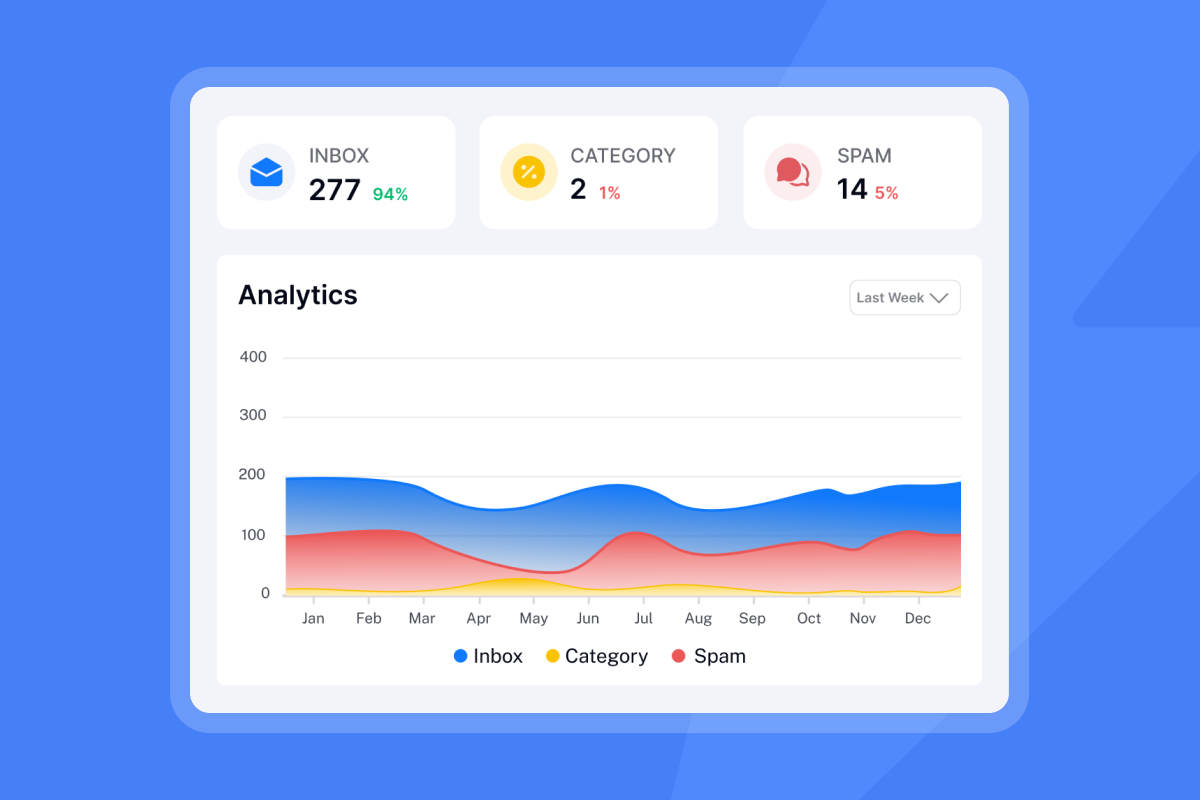
Instantly's inbox placement tools include automated tests and alerts so you catch deliverability issues before they kill a campaign mid-flight.
Validating your team for AI sales deployment
With your data audited, your ICP documented, and your domains warmed, the next question is whether your team structure can support AI-driven execution. Here are five readiness signals that confirm you're ready to deploy.
Managing inbound spikes with AI agents
When a campaign generates a reply spike, human reps become the bottleneck. Response speed matters because, according to Instantly's analysis of reply speed and lead conversion, leads who wait more than 5 minutes for a response are 10 times less likely to convert. Manual processes cannot hit immediate response windows consistently across a team of 3 to 15 reps during peak hours. The AI Reply Agent responds in under 5 minutes and handles objections and out-of-office messages automatically.
Automate workflows to reclaim rep time
Prospect list building, contact enrichment, email drafting, and follow-up sequencing consume most of an SDR's day. Automating these tasks through the AI Sales Agent frees reps to focus on live conversations and deal progression. The key challenge in automation is maintaining judgment, not just executing fixed sequences. AI agents handle both the mechanics and the decision logic.
Scaling past your current output limits
If growth targets require more outreach volume than your current headcount can produce, that's a clear signal for AI deployment. The AI Sales Agent sources qualified leads at 5 Instantly Credits per lead and launches campaigns automatically, without adding a seat cost. Per-seat pricing models from legacy platforms create procurement delays and budget cycles every time you add a rep. With Instantly's flat-fee model, you connect as many inboxes as you need without margin compression at each headcount milestone, as covered in Instantly's per-seat comparison analysis.
Clean data produces reliable reporting
Clean, auditable data pipelines matter because they support accurate reporting. When an agent sources a lead, sends an email, and gets a reply, every step should log back to your CRM with a clear attribution chain. If your CRM is messy before deployment, your reporting will be unreliable after, and you won't be able to defend your cost-per-meeting numbers in a quarterly review. The AI Agents help collection covers CRM sync and logging in detail, including Unibox configuration for centralized reply management.
Scale playbooks for every rep
AI sales agents standardize outreach quality across the entire team. Every prospect receives a personalized, on-brand message based on the same ICP rules and templates, regardless of which rep technically owns the account. This removes the performance variance that comes from reps improvising their own sequences and creates a quality floor across your full team. Watch the signal-based cold email at scale webinar to see how to build trigger-based sequences that maintain that consistent baseline.

Avoid these risks before scaling your outreach
Premature AI adoption creates five failure modes. Each one is avoidable if you build the foundation first.
Clean your CRM before you automate
Uploading unverified lists to an AI Sales Agent doesn't fix data quality problems. It amplifies them at scale. Treat list hygiene like a water filter. Dirty input poisons results over time.
The benchmark to hit before you scale: bounce rate at or below 1% on verified lists. ISPs interpret elevated bounces as a sign that senders don't maintain their lists. When bounce rates climb, ISPs throttle delivery, filter emails to spam, or block senders entirely. If your reply rate on manual campaigns sits below 5%, first rule out deliverability before blaming copy or targeting. A reply rate under 1% almost always signals that emails aren't being seen, not just that they aren't resonating. Use SuperSearch to verify contacts against 450M+ B2B leads before they enter any campaign.
If your manual emails aren't generating replies, automating them will only generate more spam complaints. Fix the message and the list before you scale either one.
Fix your messaging before automating
Before scaling sends, run A/Z testing on your copy variants. The Growth plan at $47/month includes A/Z testing, the AI Sequence Writer, and the AI Spam Words Checker. The Hypergrowth plan at $97/month adds higher sending volume and premium support. Dedicated server and IP infrastructure (SISR) is on the Light Speed plan at $358/month. Run at least two subject line variants and two body copy variants on your first 200 to 300 sends. Review results and look for consistent positive reply signals before you activate the AI Sales Agent for that segment. The cold email copywriting framework in the help center gives you a structured approach to building copy that earns replies first.
Resistance to automated workflows
Reps often fear AI will replace them. Address this directly in your rollout plan. AI handles the repetitive execution layer. Humans own judgment, escalation, and high-stakes narrative. The SDR role shifts from manual sender to agent operator, and the volume of qualified conversations they handle goes up, not down.
Frame the change in terms of quota attainment. Consider structuring compensation so quota credit reflects meetings booked through AI-assisted outreach. Aligning incentives with outcomes gives reps a concrete reason to engage with the tool rather than work around it.
"Instantly AI Sales Agent was a huge time-saver for me. It was able to source quality leads and write emails on my behalf, which made my workflow much easier." - Akira M. on G2
Detecting signs of domain instability
Watch for these signals that domain health is deteriorating, and pause campaigns immediately if you see them:
- Bounce rates rising above 1%
- Spam complaint rates rising in Google Postmaster Tools (keep below 0.10%)
- Reply rates falling below 2% with no change in targeting or copy
- Open rates dropping below 30% on warmed domains, though treat this as a supporting signal only. Apple Mail Privacy Protection inflates open counts, so a sudden drop is worth investigating but should be confirmed with bounce rate and spam complaint
data before you act. When any of these appear, pause the campaign, re-verify the list, run a deliverability test, and restart at a lower send cap for three days before ramping again. The rotating IPs and deliverability guide covers how IP rotation protects your sending health during recovery.
Deploying both agents at once without identifying your bottleneck
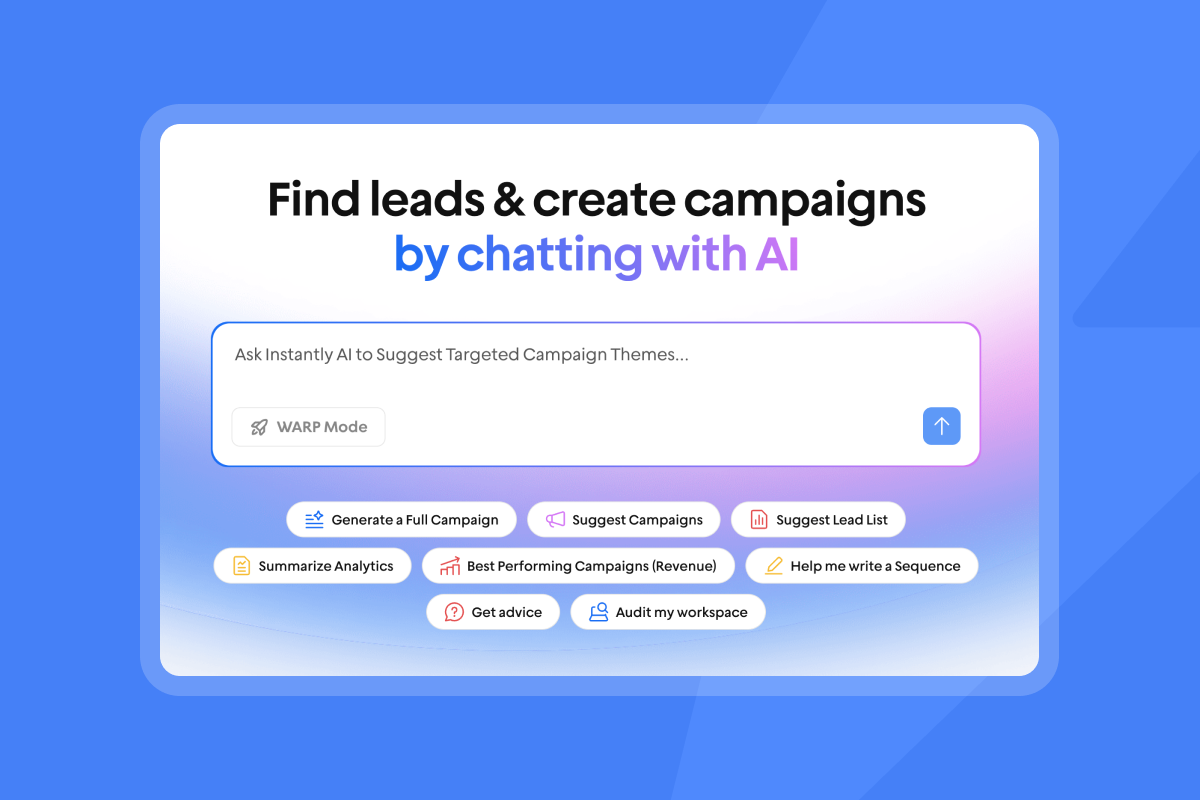
The AI Sales Agent solves a lead volume problem. The AI Reply Agent solves a response time problem. Deploying both at once without knowing which one costs you more pipeline means you have no clean baseline to evaluate either. You will spend the first 60 days debugging two variables simultaneously and won't be able to attribute improvements to either agent.
Identify your primary bottleneck first. If your pipeline gap comes from insufficient top-of-funnel volume, start with the AI Sales Agent. If you have enough leads but replies go cold before a rep responds, start with the AI Reply Agent. Run one agent for 30 days, establish your baseline metrics, then layer in the second. Benchmark 3 in this guide walks you through the diagnostic to make that call before you deploy anything.
5 benchmarks for your AI sales readiness
Use this scorecard before committing to a deployment. Each benchmark is a requirement. Strong performance across these five areas indicates readiness.
1. Evaluate your CRM data hygiene
Benchmark: Bounce rate at or below 1%, duplicate rate below 5%, field completion above 80% on your active contact list.
Run a validation sweep on your active contact list before you build a single campaign, starting with the segment you plan to use for your pilot. Use SuperSearch's waterfall enrichment to verify and refresh records against 450M+ B2B leads. If you can't hit these thresholds on your existing list, build a fresh one from SuperSearch rather than trying to repair a broken database record by record.
2. Map your current sales workflow
Benchmark: A documented, step-by-step sequence with explicit rules for follow-up timing, reply handling, and disqualification criteria.
If your current workflow is "send an email and follow up when I remember," an AI agent won't help. The agent executes your rules. If you don't have rules, it will create them from limited context, and they won't match your ICP. Document the sequence first, then encode it into the platform.
3. Locate your core lead gen bottleneck
Benchmark: You can name which one of these two problems costs you the most pipeline right now: lead volume or reply response time.
Each bottleneck maps to a specific agent. Lead volume problems map to the AI Sales Agent. Reply response time problems map to the AI Reply Agent. Don't deploy both agents simultaneously without first identifying which constraint costs you the most pipeline right now.
4. Match AI tools to team capacity
Benchmark: At least one dedicated admin or RevOps resource to oversee agent outputs, review CRM sync, and run a weekly metrics review.
AI agents need oversight. Without a weekly review cadence, you'll miss misclassified replies and data drift until they've already damaged your domain health or distorted your pipeline reporting. Watch the scaling with AI leads video for a practical view of what active agent management looks like at volume.
5. Benchmark your cost per booked demo
Benchmark: A clear number for your current cost per meeting, derived from rep hours, tooling, and data costs combined.
Without this baseline, you cannot measure AI ROI. Calculate it before deployment: total monthly cost of outbound (salaries plus tools plus data) divided by meetings booked per month. After 60 days with AI deployed, run the same calculation. The difference is your measurable return.
Building your foundation before adding AI
If you scored well on the readiness benchmarks, follow this four-step deployment sequence. Address any gaps before you deploy. Skipping a benchmark means the agent launches on a weak foundation, not a slower one.
Audit prospect lists for accuracy
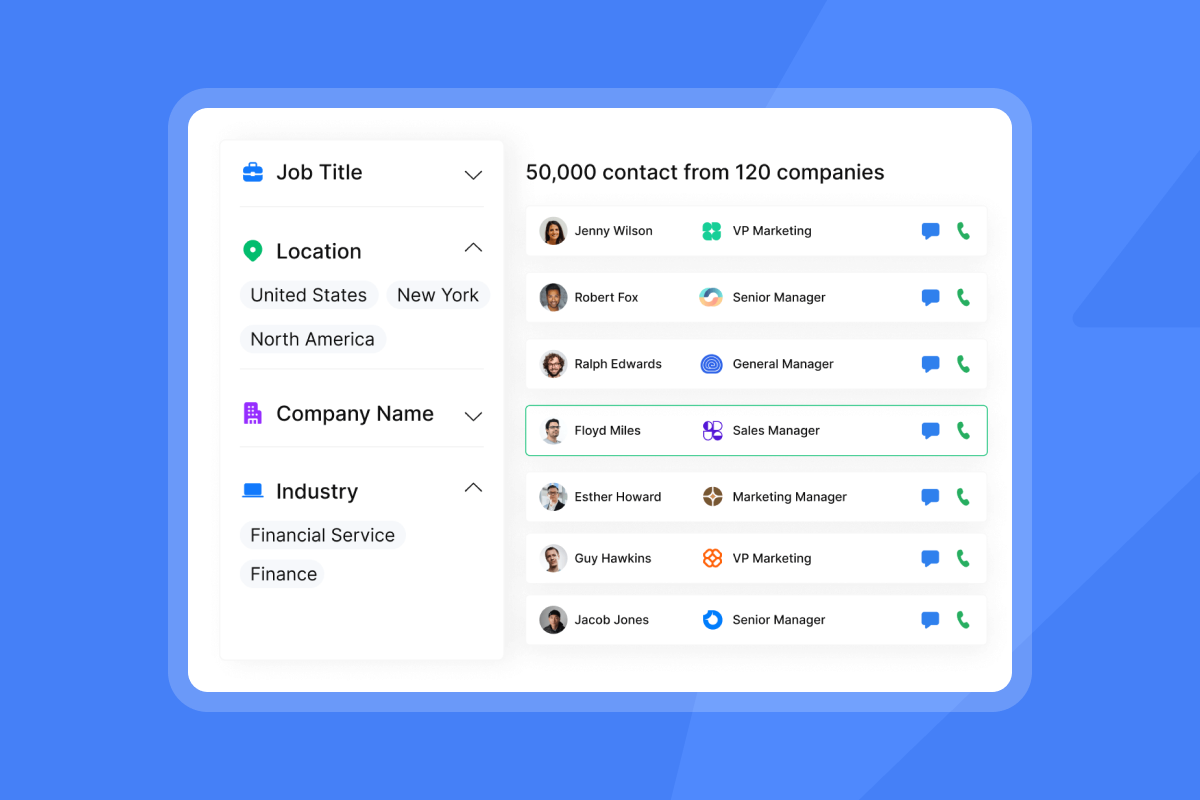
Build your initial campaign list from SuperSearch, which gives you 450M+ verified B2B leads with LLM-assisted enrichment and waterfall verification across 5+ providers. Filter by ICP criteria and export a targeted list of 500 to 1,000 contacts for your pilot campaign. Run your pilot on clean, freshly sourced data rather than untested existing lists.
"It's very user-friendly and highly efficient, with great integrations. The ROI feels clear and predictable, and the pricing is transparent." - Lia-Maria V. on G2
Codify manual outreach into clear rules
Take your best-performing manual sequence and translate it into an automated sequence with specific send windows, delay steps, and reply-based branching. Set your send window to 8:30 to 10:30 a.m. in the prospect's local time zone. Cap sends at 30 per inbox per day. Use the secondary sending domains approach from Instantly's agency scaling guide if you're running multiple client accounts or product lines in parallel.
Upskill reps for AI-driven selling
Train your team on three specific skills before full deployment:
- Prompt engineering: How to give the AI Sales Agent clear, specific ICP rules that produce consistently qualified leads.
- Reply triage in Unibox: How to review AI Reply Agent drafts in Human-in-the-Loop mode, approve or edit them, and spot misclassifications before switching to Autopilot.
- Lead management: How to handle the pipeline handoff from agent to AE, including CRM field standards and meeting booking workflow.
Establish baseline KPIs for ROI
Track these four metrics from the first day of deployment:
- Reply rate: Target above 5%. Below 3% signals a copy, targeting, or deliverability problem that needs fixing before you scale.
- Meeting booked rate: Track meetings booked per 100 replies to measure reply triage quality over time.
- Cost per meeting: Total monthly stack cost divided by meetings booked. Track this metric to measure ROI.
- Bounce rate: Keep at or below 1%. Rising bounces are an early warning sign of list quality degradation. Establish your baseline before deployment so you have a clean comparison point when you review results later.
Clarifying AI integration for sales teams
Four operational questions come up in every deployment conversation. Here are the direct answers.
Expected time to full adoption
A realistic deployment timeline runs six weeks from infrastructure setup to full Autopilot:
- Weeks 1 to 2: Domain warmup (14 to 30 days per domain warmup best practices), CRM data audit, email validation, and duplicate merge.
- Weeks 2 to 4: ICP documentation in CRM fields, SuperSearch list build for the pilot segment, sequence testing on 500 contacts with A/Z variants. Run AI Reply Agent in Human-in-the-Loop mode throughout this phase.
- Weeks 4 to 6: Review metrics. If reply rate hits 5%, expand the campaign. If below 3%, revise copy and retest. Transition AI Reply Agent to Autopilot for qualified segments and scale AI Sales Agent to your full ICP.
Can AI repair bad lead lists?
No. AI cannot verify whether an email address currently exists or is actively monitored. The agent reads whatever is in your CRM, treats it as accurate, and acts on it. If your data is wrong, the agent confidently executes the wrong action and logs it as a success. The correct sequence is: cleanse first, verify second, enrich third with SuperSearch waterfall enrichment, and deploy AI fourth on clean verified data. Skipping any step means the agent amplifies the error.
Managing sales team adoption hurdles
Adoption resistance comes from two places: reps who fear replacement, or managers who don't trust the AI's reply classification accuracy. Both are solvable through process. For reps, align commission structures to include meetings booked by AI agents. For managers, start every new campaign in Human-in-the-Loop mode, review 50 to 100 drafts, and validate the agent's classification accuracy on your specific ICP before switching to Autopilot.
The question isn't whether AI sales agents work. It's whether your team is ready to give one the inputs it needs to succeed. Clean data, documented process, warmed domains, and trained reps turn deployment into a straightforward execution problem. Without them, you're automating failure at scale. Build the foundation first, then let the agent scale it.
How do I measure ROI after deployment?
Start with the cost-per-meeting baseline you calculated before deployment: total monthly outbound cost (salaries plus tools plus data) divided by meetings booked. Run the same calculation at 30 days and again at 60 days with AI deployed. The difference is your measurable return.
Four metrics drive that calculation. Reply rate should sit above 5%. Meeting booked rate tracks meetings per 100 replies and tells you whether reply triage quality is holding up. Bounce rate must stay at or below 1%. And cost per meeting should trend down as volume scales without adding per-seat costs. If cost per meeting isn't moving after 60 days, the bottleneck is usually list quality or messaging, not the agent itself. Go back to Benchmark 1 and Benchmark 2, fix the input, and rerun the calculation after another 30-day cycle.
Try Instantly.ai free to access SuperSearch and set up automated warmup. Run the five readiness benchmarks above, and deploy AI when you pass them.
FAQs
What is the difference between an AI sales agent and a regular email sequence?
A static email sequence follows a fixed calendar regardless of prospect behavior, sending the same messages on the same schedule to every contact. An AI sales agent adapts its actions based on real-time signals such as opens, clicks, and replies, making contextual decisions at each step rather than executing a preset cadence.
How many emails can I send per inbox per day with AI-driven outreach?
The hard limit for protecting your sender reputation is 30 emails per single inbox per day. Sending above this threshold accelerates domain blacklisting, especially on new or recently warmed domains.
What data quality benchmarks do I need before deploying an AI sales agent?
You need a bounce rate at or below 1%, a CRM duplicate rate below 5%, field completion above 80%, and a domain warmup period of 14 to 30 days completed before launching any campaign.
How much does Instantly's AI Sales Agent cost?
The AI Sales Agent runs on Instantly Credits, which is a separate subscription from Outreach plans, starting at $9/month on the Nano plan with a free trial at 100 credits. Each lead generated by the AI Sales Agent costs 5 Instantly Credits, and each reply handled by the AI Reply Agent also costs 5 Instantly Credits.
Can the AI Reply Agent handle reply volume spikes without missing hot leads?
The AI Reply Agent responds in under 5 minutes and operates 24/7 in either Human-in-the-Loop or Autopilot mode. It handles objections and out-of-office replies automatically, so no hot lead waits while your team is unavailable.
Key terms glossary
Agentic AI: Software that makes autonomous decisions and takes actions to achieve defined goals, rather than simply executing preset rules or generating content on demand. In sales, this means the system can source leads, personalize outreach, and handle replies without step-by-step human instruction.
Bounce rate: The percentage of sent emails that fail to reach recipient inboxes due to invalid addresses, full mailboxes, or server rejections. Keep this at or below 1% to protect sender reputation.
Domain warmup: The process of gradually increasing email send volume from a new or dormant domain over 14 to 30 days to build sender reputation with ISPs. Skipping warmup causes immediate spam folder placement.
Human-in-the-Loop mode: An AI agent operating mode where the system drafts responses or actions but requires human review and approval before execution. This mode catches misclassifications during initial deployment before you transition to Autopilot.
ICP (Ideal Customer Profile): A documented description of the firmographic, technographic, and behavioral characteristics that define your best-fit customers. AI agents require operationalized ICP criteria in CRM fields to source qualified leads consistently.
Sender reputation: A score ISPs assign to your sending domain based on engagement rates, bounce rates, spam complaints, and authentication records. Poor reputation causes emails to land in spam regardless of content quality.
Waterfall enrichment: A data verification process that queries multiple B2B databases in sequence to find the most accurate contact information. SuperSearch uses 5+ providers to increase verification coverage across 450M+ B2B leads.
Read next
- How to Set Up an Email Domain for Cold Outreach: A step-by-step guide to configuring SPF, DKIM, and DMARC records and completing domain warmup before your first send.
- Cold Email Subject Line Guide: What works, what doesn't, and how to A/Z test your way to higher open rates
- How to Write Follow-Ups for Cold Leads, Warm Leads, Proposals, and Objections: Scenario-by-scenario templates and timing guidance for every stage of the reply thread.



