

Studies show that the first person to respond to a lead wins the deal. But you can’t camp out in your inbox all day waiting for replies. Setting notifications is always an option, but they’re unreliable, especially if you have several other tasks you need done.
With an email autoresponder, you don’t have to compromise your time and worry about leads going to competitors because of a late reply. So, how do you set one up? What strategies make it work? And how do you set autoreplies that are contextually relevant?
What is an Email Autoresponder?
Email autoresponders handle replies for you. You can use them to send simple auto-generated email messages, like out-of-office notices, or set them up to respond based on what the prospect says in their email.
Instead of getting “Thanks for replying, we’ll get back to you soon," your automated replies give prospects value and move them further down your sales pipelines. An autoresponder can improve conversion rates by 391% with the proper setup.
How to Set Up an Email Autoresponder in Gmail
Gmail has a built-in autoresponder, but it’s not the most advanced or flexible tool. It is a simple Vacation Responder meant for short-term use when you’re out of the office or unavailable. To turn it on, head to Settings, go to the General tab, and find the Vacation Responder section.
From there, you can set the date range, add your subject line and message, and choose whether to send the reply only to people in your contacts. It works well for basic scenarios, but it won’t cut it if you’re trying to handle lead replies or customer support emails on autopilot.
Here’s how to set up an autoresponder in Gmail:
- Select See all settings.
- Under the General tab, scroll down to the Vacation Responder section.
- Check the Vacation responder on.
- Set the start and end dates, write your subject and message.
- Click Save Changes.
Advanced Email Autoresponder Setup
Email autoresponders shouldn’t just be a plug-and-play tool in your stack. They must work in sync with your entire outreach and sales process if you want them to drive results. To do that, you need the right strategy and the right tools. Here’s what you’ll need:
Dynamic Email Templates (a.k.a. Reply Macros)
A solid set of templates is at the heart of any automated reply system. But these aren’t just static messages—they use dynamic variables like {{first name}}, {{company name}}, or {{pain point}} that personalize your response in real time.
The goal is to sound human without writing each email from scratch. Whether you’re replying to a pricing inquiry or a lead asking for next steps, reply macros let you stay consistent while scaling personalization.
AI Integration
AI can generate or suggest responses based on the context of a lead’s reply. Instead of relying on fixed templates, AI tools (like ChatGPT) can interpret sentiment, detect intent, and craft relevant replies in real time.
Labeling & Segmentation
Autoresponders work best when they’re context-aware, and that’s where labeling comes in. Whether a lead is “Interested,” “Not a Fit,” or “Needs More Info,” applying the correct label lets you tailor your response strategy.
These labels can be assigned manually or through AI-powered sentiment detection. They allow you to segment leads based on behavior and trigger the most relevant follow-up actions.
Conditional Logic or Sequences
One reply doesn’t fit all. Conditional logic allows you to automate different paths based on specific triggers, like keywords in the lead’s reply, their label, or their previous interaction.
For instance, if someone replies asking about pricing, that could trigger a pricing-specific sequence. If they mention a competitor, you could trigger a competitive positioning email. These flows keep the conversation moving intentionally and responsively.
Unified Inbox or Centralized Lead Feed
A centralized inbox or lead dashboard lets your team see incoming replies, override automation when necessary, and pick up where the AI left off. It also gives you insight into what’s working and where leads might fall off, so you can adjust your sequences or macros accordingly.
Best Email Autoresponder Tools
Now that we know how to set up an effective email autoresponder, the next step is choosing the right tool to bring it all together. Whether you're looking for AI-powered replies, conditional workflows, or dynamic templates, these platforms offer the features you need to build a responsive, scalable follow-up system.
Instantly Email Autoresponder
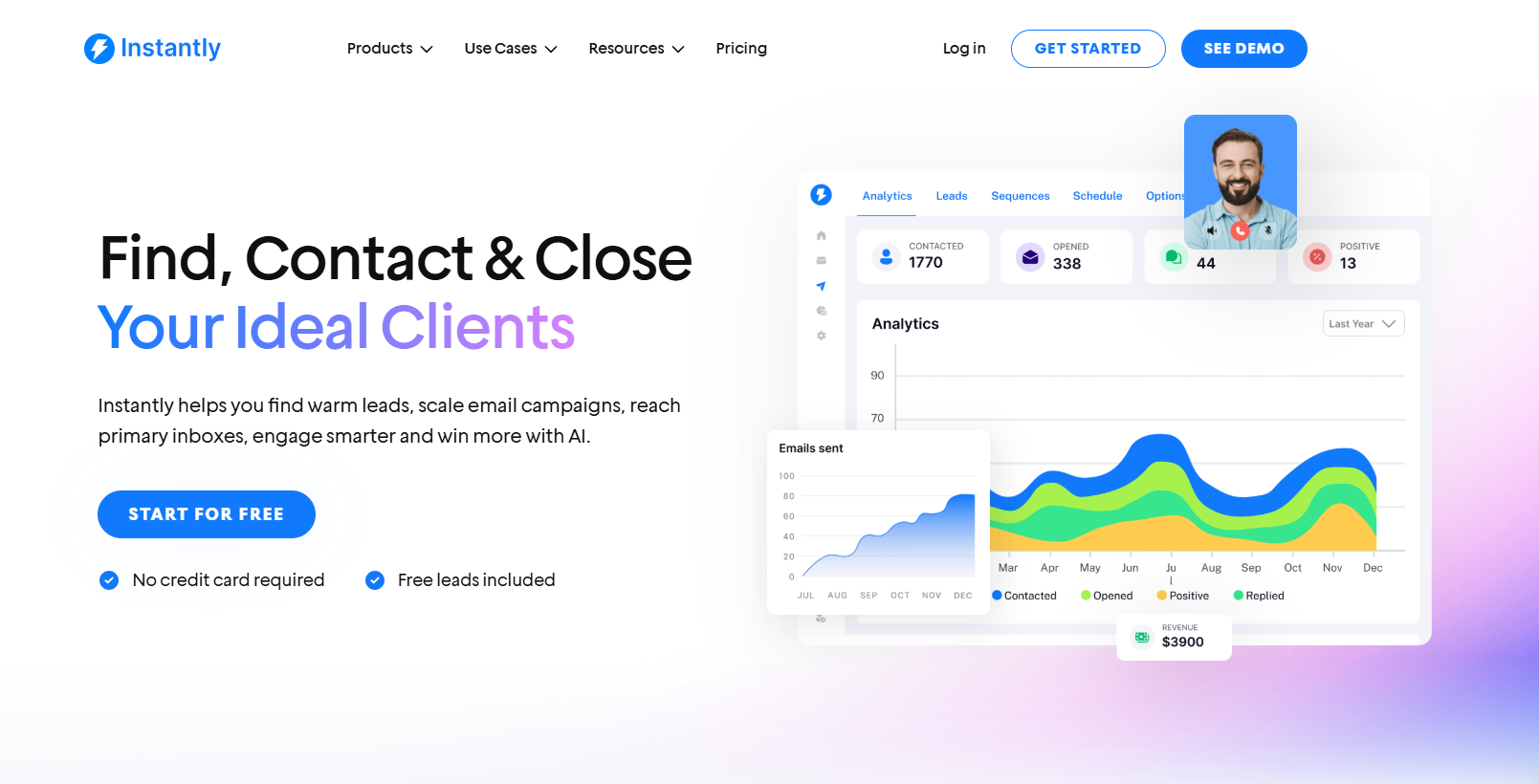
G2 Rating: 4.8/5 ⭐ from 3,715 reviews
Instantly allows you to automatically reply, label, and trigger follow-up sequences based on how your leads respond. This leads to faster response times, personalization at scale, and frees up your team to focus on high-value leads. You’ll want to use three main tools: AI Inbox Manager, Subsequences, and Unibox NLP.
AI Inbox Manager
This feature automatically replies to a lead’s first positive response within 5 minutes. It only fires when the AI is confident it understands the lead’s intent, so replies stay relevant and human-sounding. To set it up:
- Go to Settings > Preferences and enable “Automatically suggest replies using OpenAI.”
- Add your OpenAI API key under Settings > Integrations.
- Create clean Reply Macros with dynamic fields like {{first name}} and {{company name}}.
- Enable AI Inbox Manager and save.
You don’t need a CRM subscription to use this. If you’re on a Hyper Growth or Light Speed plan, you can run this setup through Instantly Unibox.
Subsequences
Subsequences let you send automated replies based on specific conditions, like keywords or lead status. Use these to answer common questions ("How much is it?", "Can you send a case study?") or even filter out uninterested replies. Use subsequences when you want to:
- Send targeted responses based on reply content or lead labels
- Automatically share pricing, resources, or booking links
- Follow up with leads marked as “Interested,” “Not a fit,” or any custom label you define
Unibox NLP (AI Auto Labeling)
This is where it all comes together. Unibox NLP is Instantly’s AI-powered labeling system that reads incoming replies and tags leads based on buying intent. It works in 50+ languages and doesn’t cost extra. The key features include:
- Auto-labels lead as "Interested," "Not Interested," or any custom label
- Triggers subsequences automatically based on those labels
- Integrates with your CRM, creating opportunities when positive interest is detected
To enable Instantly’s Unibox NLP:
- Go to Settings > Preferences > AI Automation
- Turn on “Automatically tag interest status in replies”.
- Choose which labels the AI should apply
Note: Subsequences only activate on newly labeled leads, not retroactively. So when a lead replies positively, Instantly’s AI:
- Detects the intent.
- Label the lead (for example, “Interested”).
- Triggers the corresponding subsequence or auto-reply.
Brevo
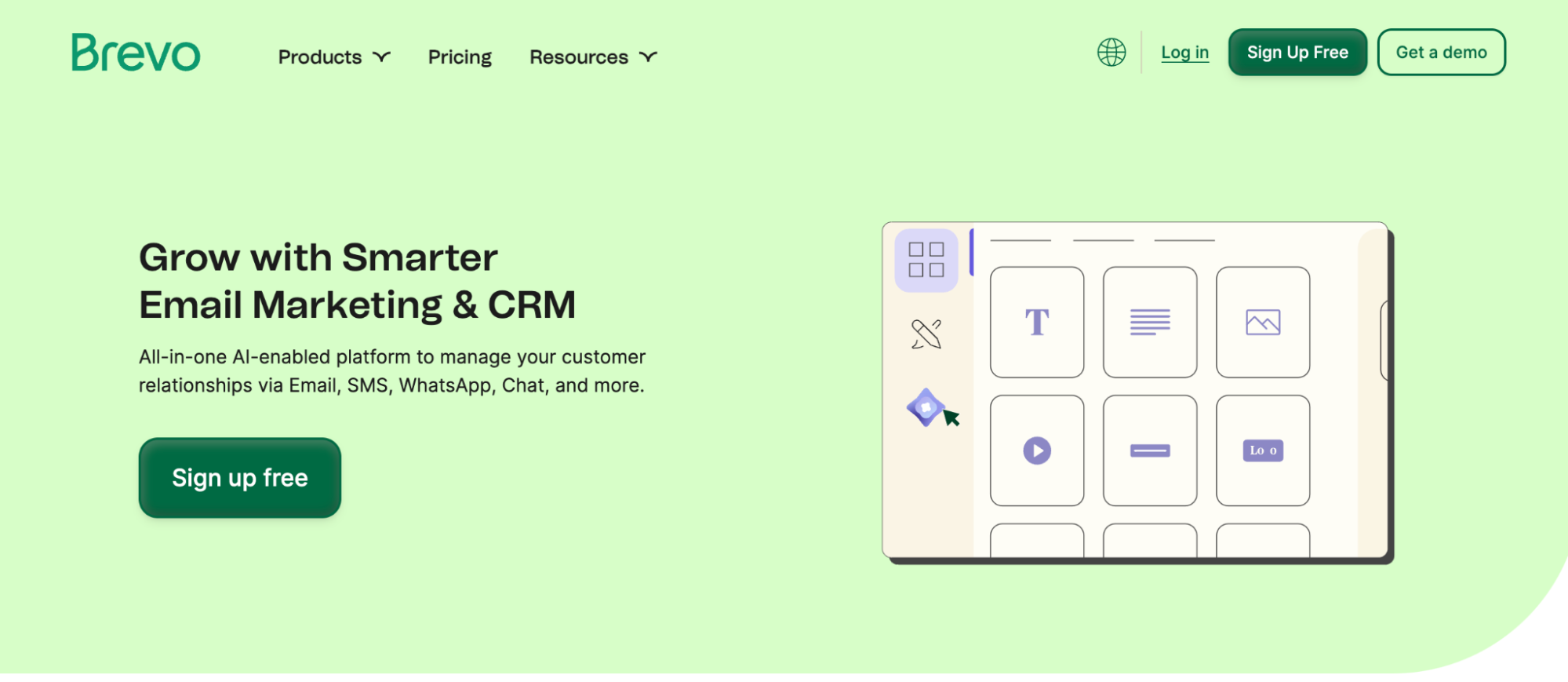
Brevo (formerly Sendinblue) is an email and SMS marketing platform that offers robust autoresponder features, even on its free plan. It’s built for small to medium-sized businesses that need automation without the steep price tag.
Email Autoresponder Features:
- Pre-built Automation Templates: Brevo has ready-to-use workflows for welcome emails, abandoned cart reminders, and more.
- Custom Workflows: Create multi-step automation sequences using conditions like email opens, link clicks, or website visits.
- Behavioral Triggers: Automations can start when a contact joins a list, submits a form, or performs a specific action on your website.
- Time Delays & Logic Branching: To personalize the journey, add wait times, conditional splits (if/else logic), and parallel paths.
- Email + SMS in One Flow: Autoresponders can include email and SMS steps, which is great for time-sensitive follow-ups.
- Unlimited Contacts: You’re never penalized for growing your list; pricing is based on email volume, not list size.
It’s best for solopreneurs, startups, and small teams who want to set up flexible autoresponders without paying enterprise-level prices. Ideal for nurturing new leads, onboarding users, or following up with minimal setup.
Things to consider:
- The free plan limits you to 300 emails per day
- Advanced features like A/B testing are locked behind higher tiers.
- Emails on the free plan include Brevo branding unless you upgrade.
Pricing: Free forever plan (300 emails/day, unlimited contacts). Paid plans start at $9/month for 5,000 emails/month.
AWeber
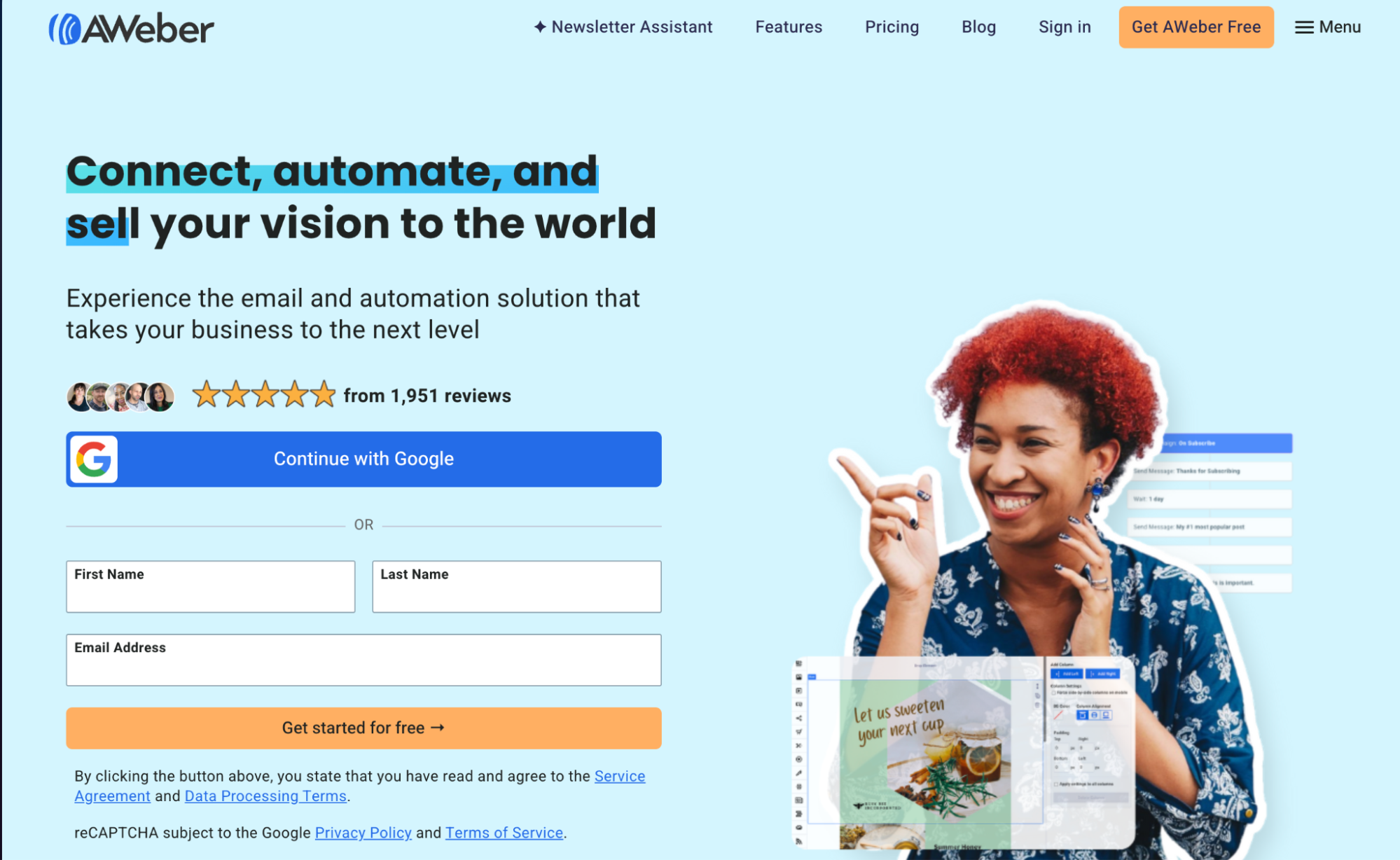
AWeber is one of the original email marketing platforms, trusted by small businesses and creators for its dependable deliverability and ease of use. It has autoresponders for users who want to start quickly without building complex workflows from scratch.
Email Autoresponder Features:
- Autoresponder Series (a.k.a. Campaigns): Easily set up automated email sequences based on time delays or subscriber actions.
- Pre-built Campaign Templates: AWeber offers plug-and-play sequences like mini-courses, onboarding series, and lead-nurture flows you can import instantly.
- Behavior-Based Triggers: Start or modify sequences when subscribers open an email, click a link, join a list, or get tagged.
- Click-Based Automation: You can add or remove tags based on what users click, helping you send more targeted follow-up emails.
- Drag-and-Drop Builder: Create responsive emails visually without coding.
Things to consider:
- Automation logic is more linear—if you need deep branching workflows or advanced segmentation, you may outgrow it.
- While intuitive, the interface still feels dated compared to newer platforms.
- Advanced features like split testing and behavioral automation require a paid plan.
Pricing: Free plan for up to 500 subscribers and 3,000 emails/month. Paid plans start at $12.50/month.
MailChimp
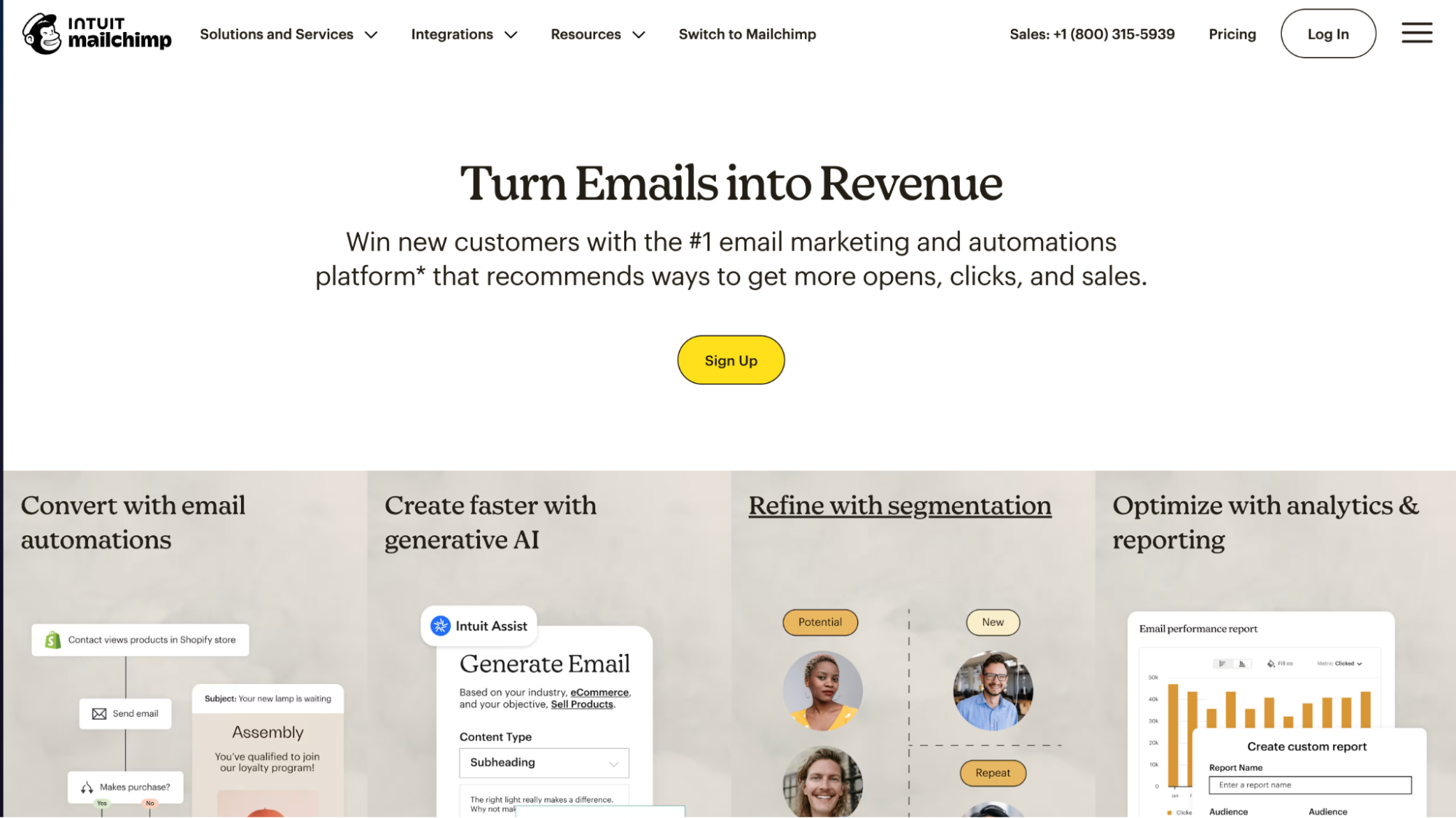
Mailchimp’s autoresponder features are packaged as “Customer Journeys.” They’re built for businesses that want easy-to-set-up automation without a steep learning curve.
Email Autoresponder Features:
- Customer Journeys (Automation Builder): Visual drag-and-drop interface to create multi-step email workflows.
- Behavioral Triggers: Start sequences when someone signs up, clicks a link, buys a product, or reaches a custom date (e.g., birthday, renewal).
- Branching Logic: Use if/else conditions to send subscribers down different paths based on their actions.
- Pre-Made Templates: Dozens of starter flows including welcome emails, re-engagement, follow-ups, and abandoned cart (for e-commerce).
- AI Tools: Predictive segmentation and send-time optimization (available on higher tiers).
Things to consider:
- Multi-step automations are only available on paid plans; the free plan allows just one-step email automations.
- Pricing increases quickly as your contact list grows.
- The interface is user-friendly but can feel cluttered with features unrelated to email (ads, social, etc.).
Pricing: Free plan includes 500 contacts and 1,000 email sends/month with basic autoresponders. Paid plans with multi-step automation start at $20/month (Standard plan).
GetResponse
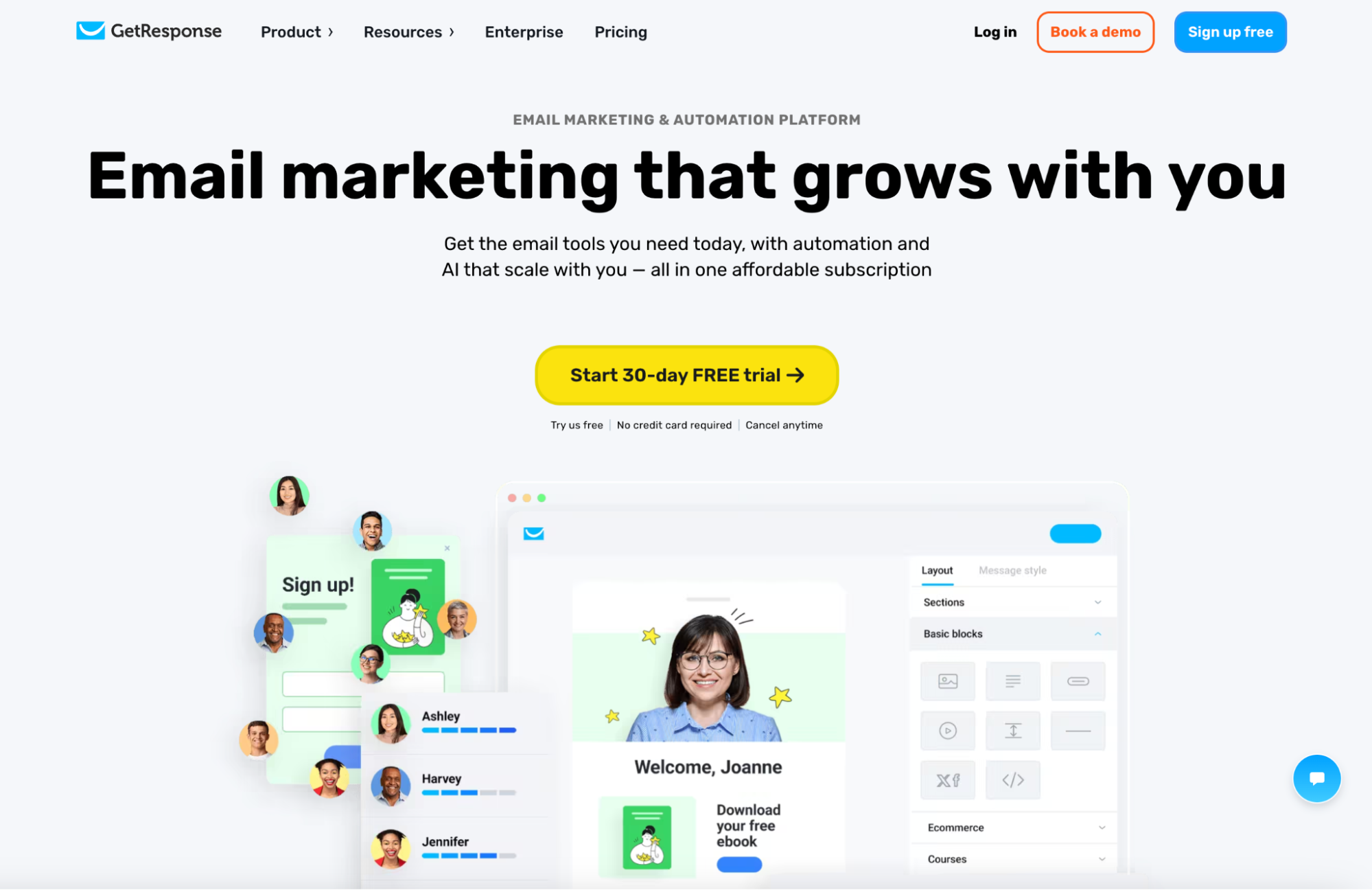
GetResponse is a full-featured marketing platform that offers tools beyond email, such as sales funnels, webinars, and landing pages. But when it comes to email automation, its visual workflow builder and advanced sequencing make it a standout, especially for businesses running lead-generation funnels or multi-step campaigns.
Email Autoresponder Features:
- Autoresponder Series: Easily schedule emails to send at timed intervals after someone joins your list—perfect for welcome series, drip campaigns, or lead nurturing.
- Visual Automation Builder: Drag-and-drop interface for creating complex workflows with triggers, conditions, and actions (e.g., if contact clicks link → wait 2 days → send follow-up).
- Advanced Triggers: Launch automations based on behavior (clicks, opens), sign-up forms, ecommerce actions, or custom events.
- Prebuilt Workflow Templates: Dozens of ready-to-use sequences for lead magnets, onboarding, product launches, and more.
- Tagging & Scoring: Automatically tag contacts or assign lead scores based on behavior, helping you fine-tune your follow-up.
Things to consider:
- Autoresponders and automation workflows are unavailable on the free plan—you’ll need a paid tier to unlock them.
- The platform's all-in-one nature includes features you may not need (e.g., webinars, live chat).
- The interface can feel crowded if you only want email-specific tools.
Pricing: Free plan includes newsletters only (no autoresponders). Paid plans with full automation start at $19/month (Email Marketing plan).
Key Takeaways
Email autoresponders ensure no leads slip through the cracks, making them essential for every business doing outreach campaigns. To recap, here are the best ones you need to try:
- Instantly: Best for cold email campaigns
- Brevo: Best for budget-friendly email autoresponders
- AWeber: Reliable, ready-to-use autoresponders
- MailChimp: User-friendly autoresponders with broad integration
- GetResponse: Best for funnel-based autoresponder workflows
If you want holistic outreach campaigns, from automated email sequences to replies, there’s no better tool than Instantly. Try it for free today.


