


An email verification service checks the validity of email addresses in your lead lists. It ensures that contacts exist, are safe to email, and are likely to receive messages.
If you’re cold emailing, skipping verification leads to high bounce rates, poor deliverability, and potential blacklists. If you want email verification done for you, Instantly SuperSearch gives you access to a database of over 450M+ pre-verified B2B leads.
This includes verifying catch-all addresses and automatically tagging leads as valid, risky, or invalid so you know exactly which ones are safe.
Why Do Outreach Campaigns Need an Email Verification Service?
Email verification should be constant throughout your sales process. Unfortunately, this is where most marketers and sales reps get things wrong. They treat verification as a one-time list clean-up before your first campaign. However, you’ll need email verification because of:
New Leads in Your CRM
Cold outreach relies on quality data, especially those using AI workflows and lead data to personalize. Every time prospects are added, there’s a chance you’re introducing invalid, outdated, or high-risk emails in your CRM.
Ongoing hygiene
Let’s say you uploaded a lead list of 10,000 contacts, but can only send 2000 emails monthly. In the next month, there’s a chance that a big chunk of your leads can go bad. People change jobs, companies shut down domains, and leads might use different emails.
Deliverability protection
Your sender reputation is tied directly to your deliverability. High bounce rates signal to email providers that you might be sending spam. Regular re-verification removes risky addresses before they can harm your reputation.
Catch-all filtering
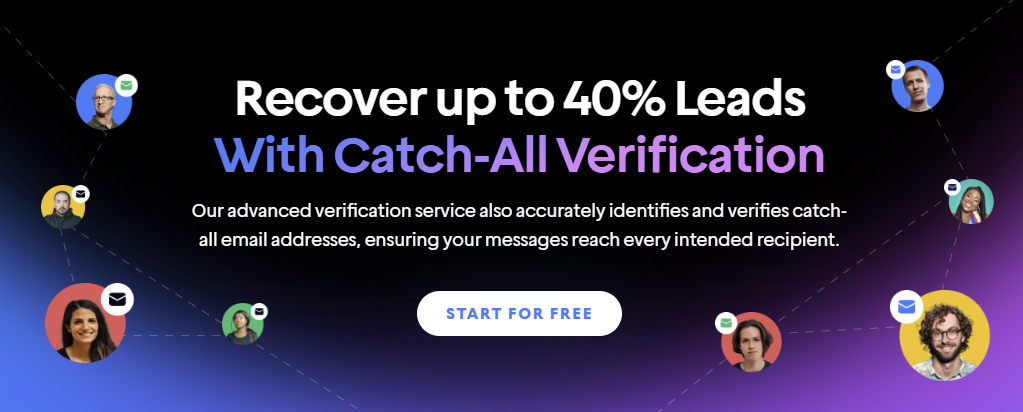
Catch-all domains accept all incoming emails, which makes it tricky to know whether the email address is valid. A stellar email verification service that includes catch-all verification can easily spot which addresses are worth sending to and which should be excluded.
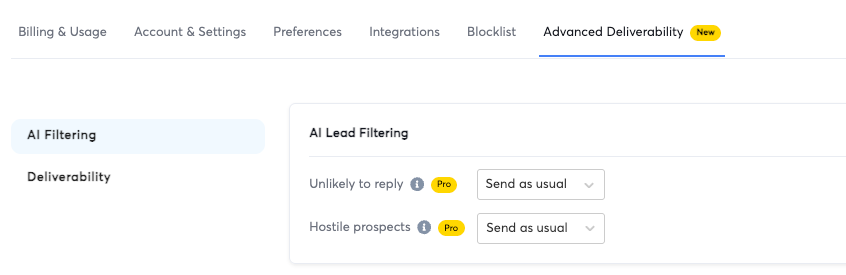
A few modern verification service providers (like Instantly.ai) take things up a notch by including AI-powered features like lead filtering to discern potentially hostile prospects and those unlikely to respond.
Cost efficiency
Every invalid email you send is a waste of sending credits and campaign bandwidth. By cutting out bad addresses early, you save money and focus your outreach efforts on prospects who can receive and respond to your emails.
How Do Email Verification Services Work?
Email verification seems simple, but a lot is going on in the background to ensure that every contact you send to is valid. Here’s what happens under the hood:
Syntax and Format Validation
The first step is ensuring the email address is written correctly. Services use regular expressions (regex) to check for compliance with RFC 5322 standards, confirming the presence of a local part, an “@” symbol, and a valid domain.
This process also detects formatting errors like misplaced dots, invalid characters, or addresses that exceed the maximum length limits: 64 characters for the local part and 255 characters for the domain.
Domain and DNS Record Verification
Next, the system verifies whether the email domain exists and can receive mail. This is done through DNS lookups to locate MX (Mail Exchange) records that specify the domain’s mail servers. If MX records aren’t found, some tools will check A records pointing to the domain’s web host to see if mail can still be routed.
SMTP Handshake Simulation
One of the most critical steps is testing an email without delivering a message. This involves connecting to the mail server using the Simple Mail Transfer Protocol (SMTP) and initiating a handshake with commands like HELO/EHLO, MAIL FROM, and RCPT TO.
The server’s response codes tell us whether the mailbox exists. For example, a 250 code means the mailbox is active, while a 550 code means it doesn’t exist. Temporary codes like 450 or 421 suggest the inbox might be full or the server is temporarily unavailable.
Catch-All Domain Detection
Some domains are built to accept all incoming emails, even if the specific mailbox doesn’t exist. These are known as catch-all domains.
The verification service will send a probe email to a randomly generated email address on that domain to find them. If the server still accepts an email with a 250 code, it’s flagged as catch-all.
Disposable and Role-Based Address Filtering
Email verification services scan for disposable email providers like TempMail or Guerrilla Mail, which are often used for short-term signups and are prone to becoming invalid after use. Role-based accounts such as info@, support@, or sales@ are flagged since they are shared inboxes with lower engagement potential.
Spam Trap and Blacklist Checks
Many verification tools compare addresses against known spam trap databases or anti-spam honeypots to protect sender reputation. Some also query third-party blacklist APIs to detect domains or IP addresses that have been associated with spam activity in the past.
Risk Scoring and Categorization
After completing all checks, an email verification tool assigns a status to each email. Valid addresses are safe to send to; risky ones may include catch-alls or role-based accounts, and invalid addresses fail domain, mailbox, or blacklist checks. Some also provide a confidence score or a percentage-based likelihood of successful delivery.
Best Email Verification Services To Add to Your Cold Email Stack
If you want to scale cold email outreach, you need to add email verification services to your tech stack. Here are the tools we recommend that combine high accuracy, fast processing, and features designed to keep your sender reputation intact.
Instantly
G2 Rating: 4.8/5 ⭐ from 3,756 reviews
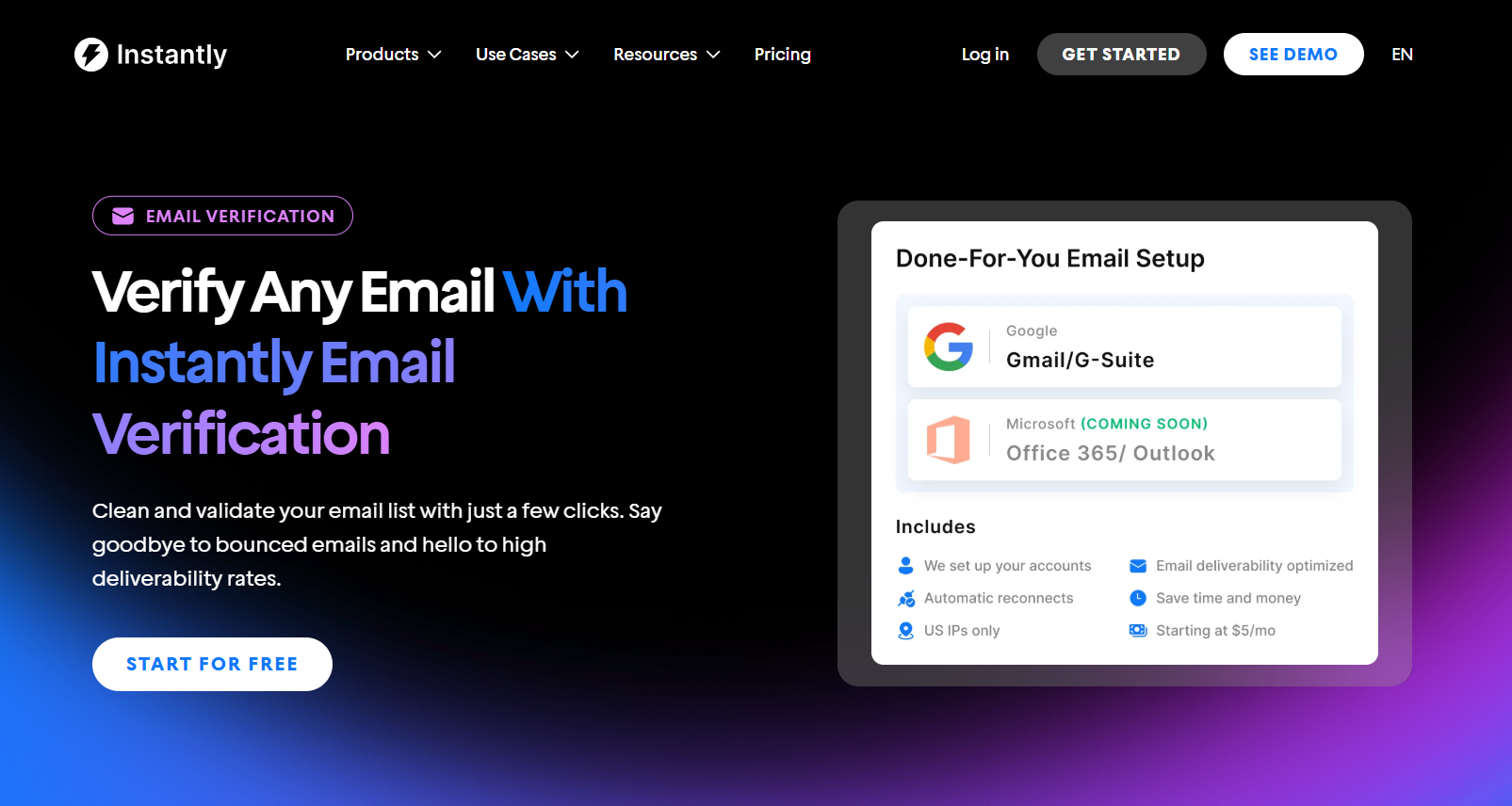
Instantly's Email Verification service is built to provide you with ready-to-send email addresses without the hassle of manual verification.
Every lead you pull is verified in real time, including catch-all addresses, so you’re not wasting credits or hurting email deliverability on bad data.
For an even bigger lead pool, Instantly SuperSearch is directly tied to your campaigns, meaning you can source, verify, and send without jumping between tools.
But if you already have your own lead list, Instantly has you covered as well. When you upload your lead list, Instantly's native email verification service categorizes every lead as Verified, Risky, or Invalid.
By default, invalid and Risky leads are excluded from sending, so you do not have to worry about bad leads slipping into your sequences and hurting deliverability.

You can start verifying in three ways:
- Bulk verification during upload by checking “Verify leads” before hitting “Upload all.” Verification starts automatically.
- Individual verification after upload by selecting leads in the campaign’s Leads tab and clicking “Verify leads.”
- CRM verification by going to CRM, then to Lists or Campaigns, using “Enrich & AI,” and selecting “Validate Email.”
The cost per lead verification gets cheaper with higher-tier plans:
- Growth Credits: $47/month for 1,500 credits = $0.031 per lead
- Supersonic Credits: $97/month for 5,000 credits = $0.019 per lead
- Hyper Credits: $197/month for 10,000 credits ≈ $0.020 per lead
The Supersonic plan offers the best value at roughly 1.9 cents per verification, while the Growth plan costs about 3.1 cents per verification. Credits are also flexible. You can use them for verification and to find leads, enrich them, run deeper research, or power Instantly AI Reply Agent and Instantly Copilot.
MillionVerifier
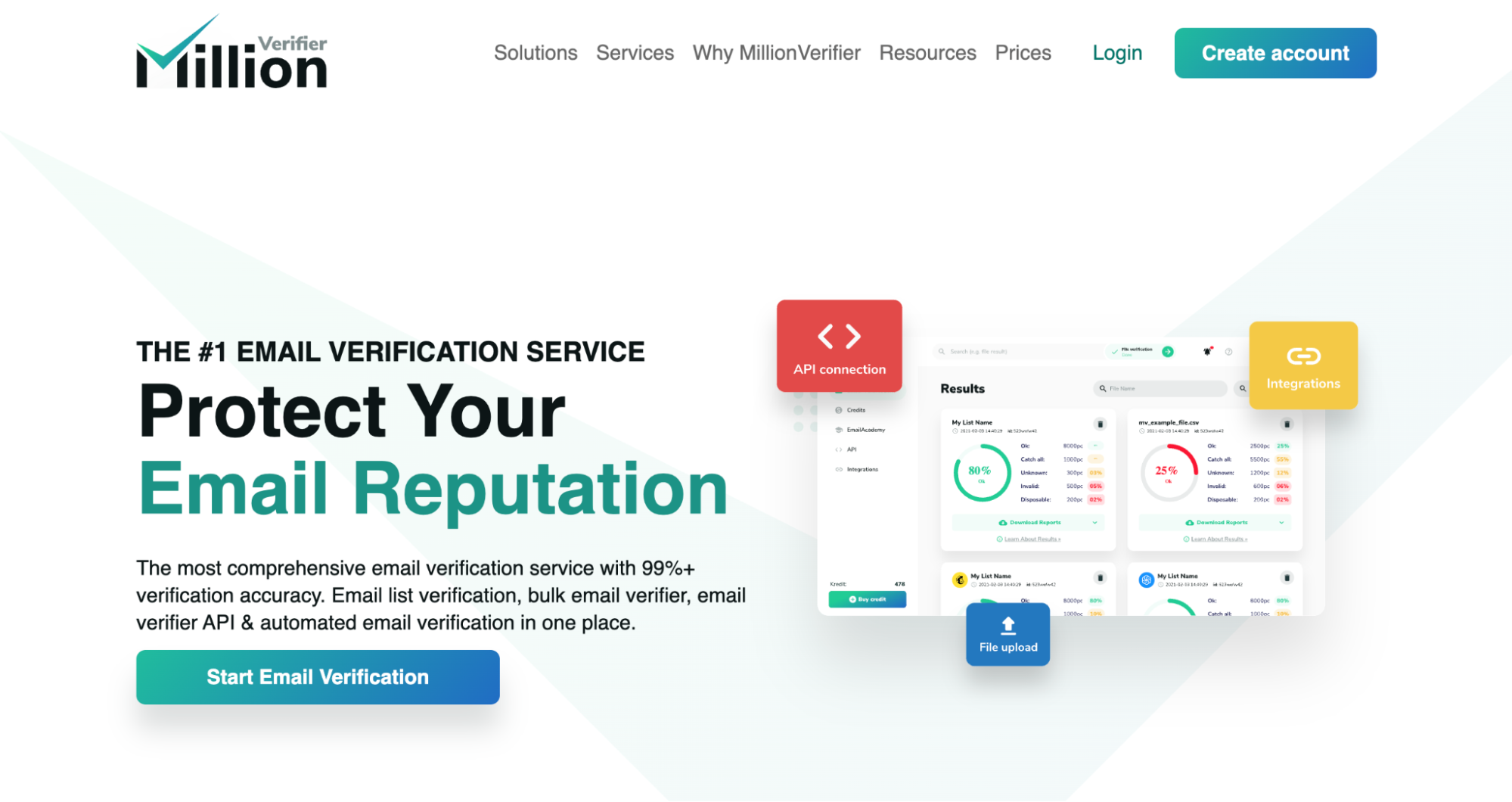
MillionVerifier is designed to clean your lead lists with high accuracy and minimal effort. It’s built for both bulk verification and real-time checks, making it just as helpful in scrubbing an extensive database as it is for validating individual emails at signup.
Every address you run through MillionVerifier is checked for syntax errors, domain validity, MX records, and mailbox existence via SMTP handshake. Results are categorized as Verified, Risky, or Invalid, with clear guidance on how to treat each status.
Catch-all domains are flagged as Risky by default, giving you the choice to send or suppress based on risk tolerance. You can use MillionVerifier in three main ways:
- Bulk list verification by uploading a CSV to the web app or through the Bulk API for larger datasets.
- Single email checks for quick lookups or form-level verification using the Single API.
- Integrate the API into your signup forms or CRM to block bad addresses before they enter your system, ensuring real-time lead capture protection.
Pricing starts at $37 for 10,000 never-expiring verification credits as a one-time purchase, which you can use for list cleaning, bulk verification, ESP imports, or API checks.
There’s also an Automated Email Verification plan at $15/month, which verifies up to 10,000 emails daily and integrates with popular CRMs, ESPs, and custom workflows.
ZeroBounce
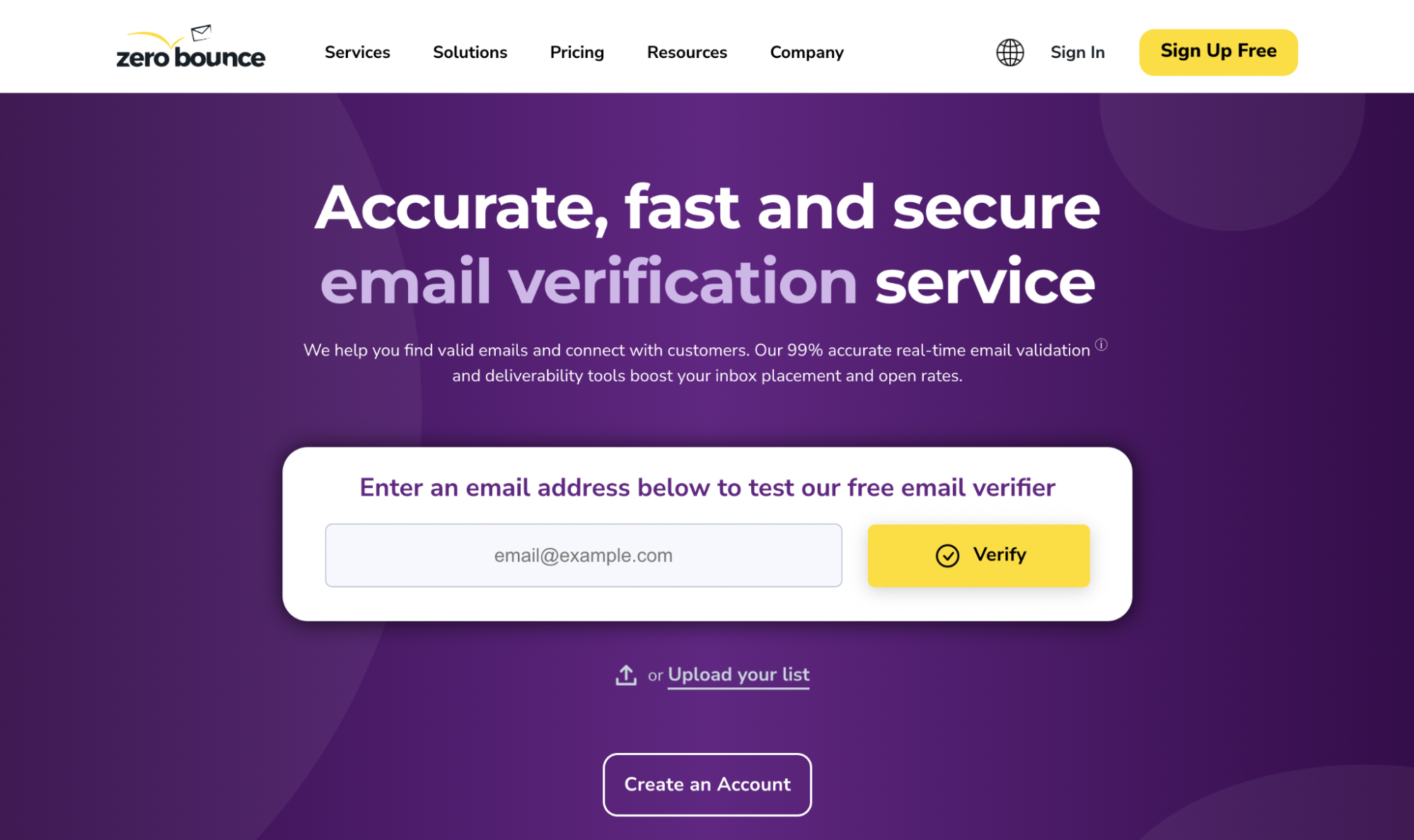
ZeroBounce offers bulk list cleaning and real-time API verification, all backed by a 99% accuracy guarantee and elite certifications like SOC-2 Type II and ISO 27001. It is also compliant with GDPR, CCPA, and even HIPAA.
ZeroBounce verifies every email with a multi-layered process: syntax check, DNS/MX records, SMTP handshake, spam trap and abuse detection, and disposable and catch-all identification. Then applies AI Scoring and rates emails 1 to 10 based on activity and engagement potential.
Pricing starts at $18 for 2,000 credits. However, prices drop as you scale up in verification volume. They also have deliverability features that include inbox placement tests, email server tests, and DMARC monitoring for $49/month.
Clearout

Clearout brings AI to email verification and prospecting so you can source and clean leads with one tool. They use advanced, multilayer verification checks, such as syntax validation, MX/DNS lookups, SMTP handshake, spam trap detection, duplicate removal, disposable and role‑based filtering, catch‑all detection, and gibberish filtering..
If you prospect on LinkedIn, Clearout also offers an extension that automatically pulls data from the platform, matches names and domains to real B2B addresses, pre‑verify them, and assigns confidence scores. You can get emails, phone numbers, job titles, and locations directly from LinkedIn or LinkedIn Sales Navigator.
Pricing starts at $18 for 3,000 credits, with lower costs per verification as you scale. Credits never expire and can be used for Clearout’s prospecting tools, including the Email Finder and LinkedIn Chrome extension.
Emailable
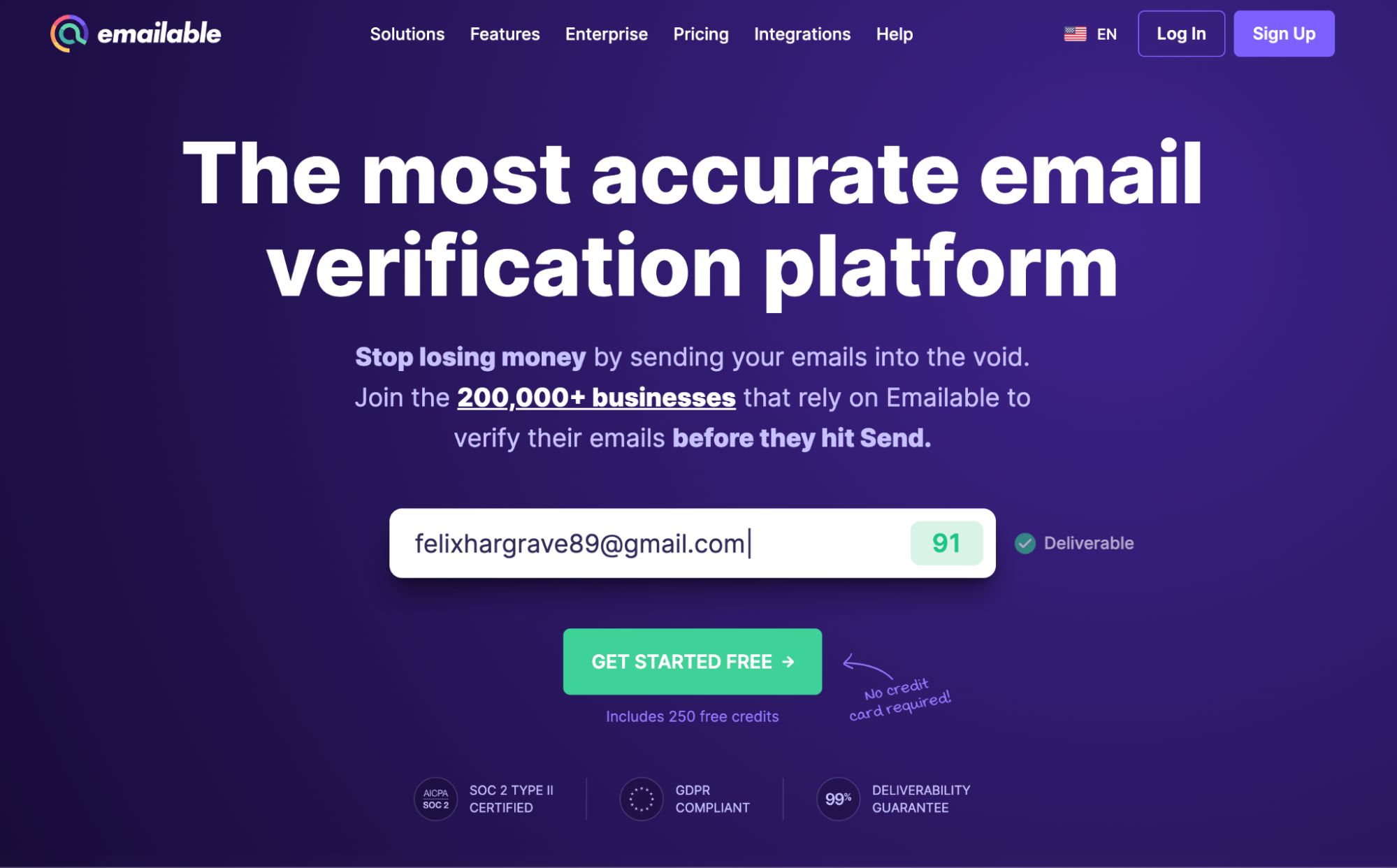
Emailable combines a multilayer verification process (syntax, DNS/MX, SMTP, catch‑all, spam‑trap) with a 99% deliverability guarantee. What sets it apart is that it tracks and reports how your emails perform in inboxes across different providers. You can use it in three ways:
- Bulk list cleaning with a clear dashboard showing Deliverable, Risky, Undeliverable, or Unknown results
- Widget validation that blocks invalid emails during form submissions.
- Inbox placement insights monitor where your emails are landing (inbox, spam, promotions), catch authentication issues (SPF, DKIM, DMARC), and detect blacklisting risks before sending your campaign.
You start with 250 free credits that don’t expire. From there, Emailable offers volume-based pricing with discounts on monthly plans and pay-as-you-go options.
Bouncer
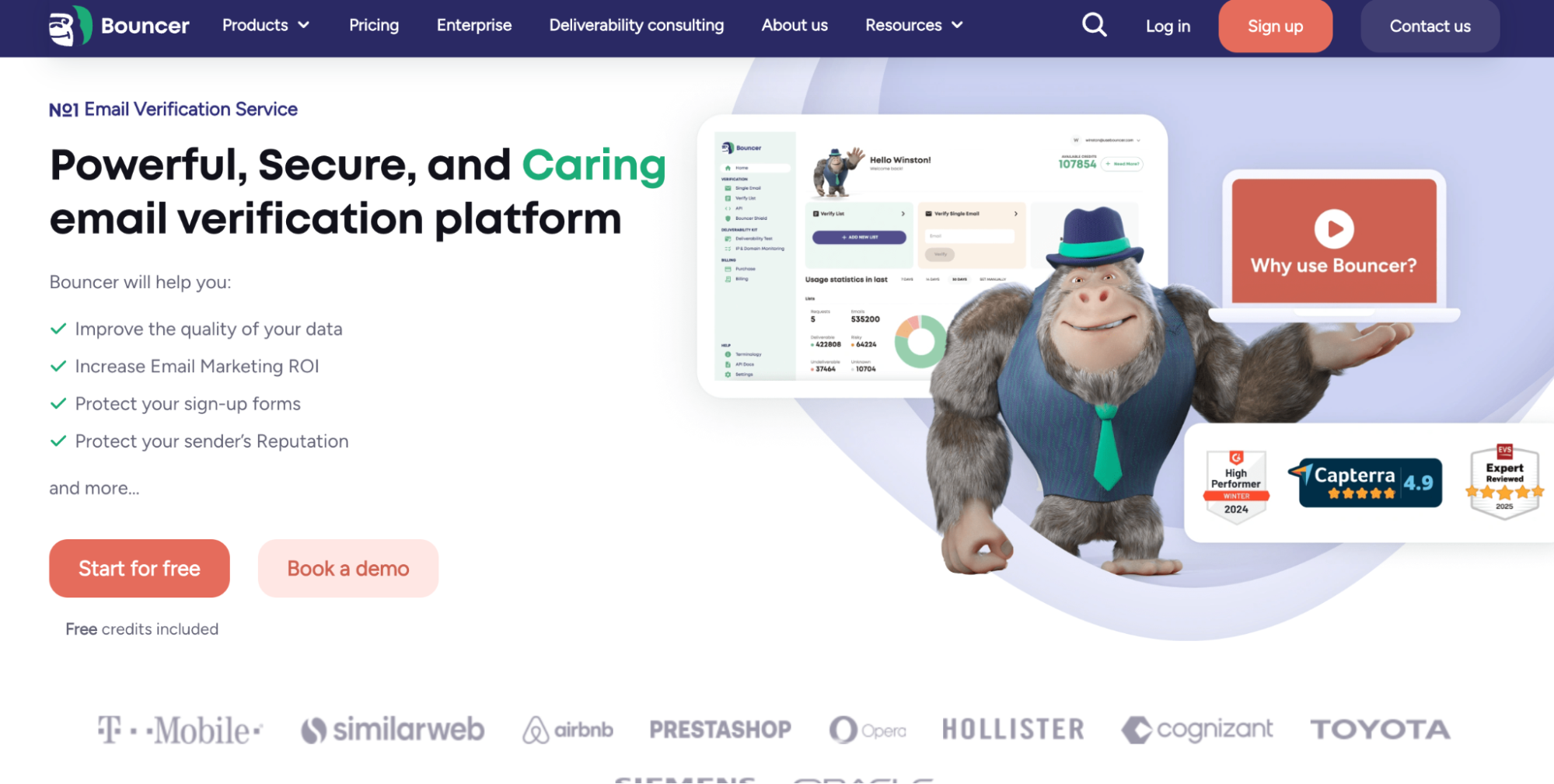
Bouncer keeps your lists clean and your CRM tidy on autopilot. Its AutoClean integration with HubSpot verifies contacts continuously after you set it up, so you avoid manual exports and surprise bounces.
Bouncer runs multilayer checks across syntax, DNS and MX, and SMTP. It adds two helpful extras: Toxicity Check to flag complainers, litigators, breaches, and potential traps, and a Deliverability Kit for inbox placement tests, authentication checks, and blocklist monitoring.
Pricing starts at $8 for 1,000 credits. Volume discounts bring costs down to about $2 per 1,000 at 1M credits, and credits never expire.
DeBounce
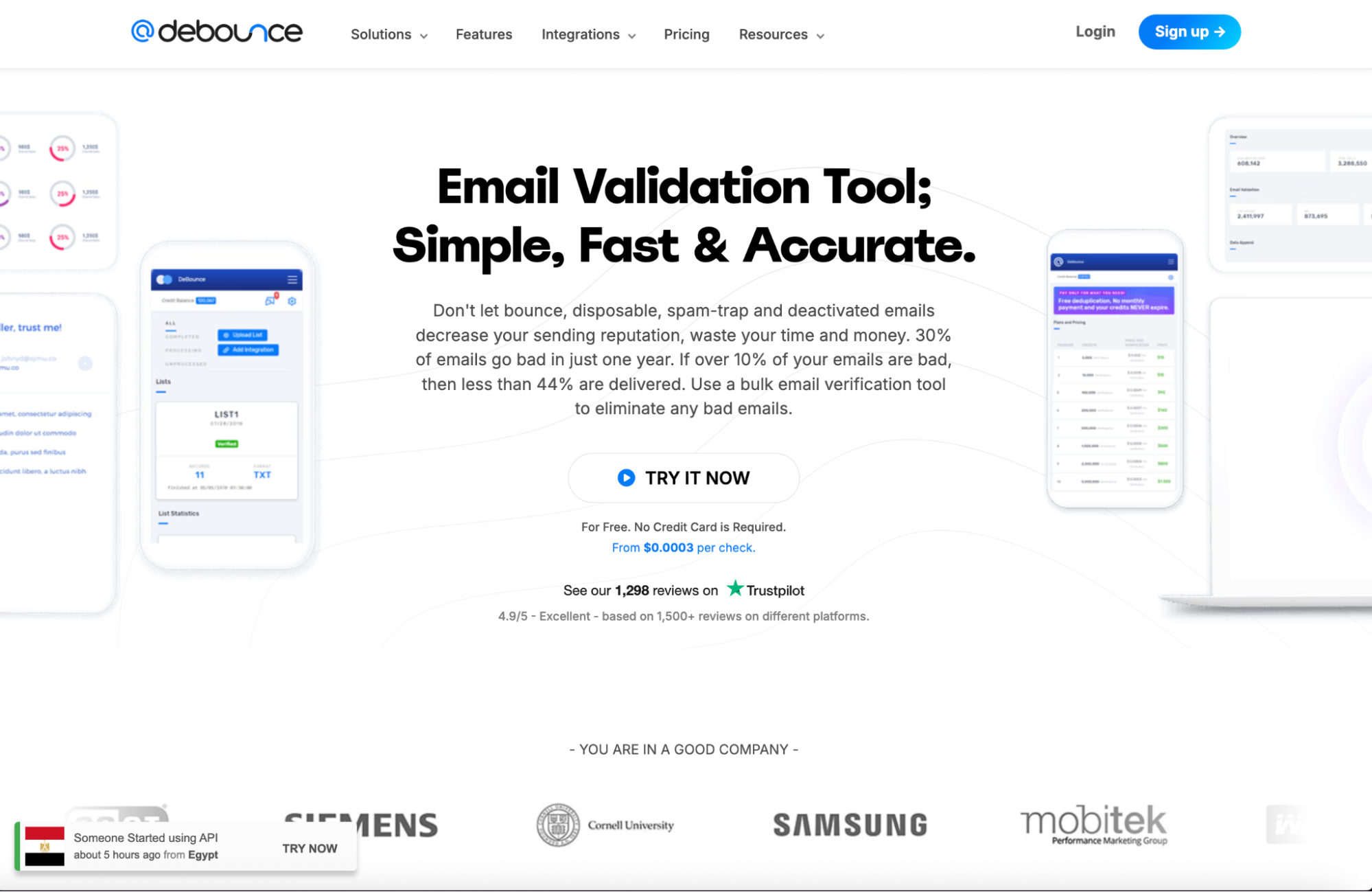
DeBounce keeps list cleaning fast, inexpensive, and practical. It verifies at a bulk scale and in real time, with extras like anti-greylisting to reduce “unknown” results and automatic deduplication so you do not waste credits on repeats.
DeBounce runs the standard checks you need for cold email: syntax, domain and MX lookups, and an SMTP handshake to confirm mailbox existence. You can use it for one-off checks, full CSV uploads, or through a simple API when you want verification when you get a lead.
Pricing starts at $10 for 5,000 credits, with lower per-email costs as you scale. Credits never expire, which works well for teams that clean lists periodically.
Key Takeaways
An email verification service is essential to every cold outreach campaign. But remember that verified lead lists aren’t a magic bullet. Deliverability can still be affected by various factors, including lead quality, domain reputation, email copy, and timing.
If you want a tool that handles everything for you, from prospecting to deliverability, there’s no better tool than Instantly.ai and SuperSearch. Start your free Instantly trial.


