


Updated April 20, 2026
TL;DR: Run your client onboarding email sequence on Day 3 and Day 7 to protect retention, not just Day 1. Day 3 proves momentum (warmup initiated, DNS authenticated) and collects the remaining inputs you need to launch. Day 7 shifts to performance data: inbox placement rate, bounce rate, and campaign launch confirmation. Automating both touchpoints with spin syntax and managing all replies in a unified inbox helps you scale client onboarding more efficiently. Instantly's flat-fee unlimited accounts model keeps costs predictable as you add clients, unlike per-seat platforms where costs multiply with inbox count.
The most important client onboarding email you send is not the pitch. It is the Day 3 check-in. Early silence kills momentum and raises doubt. A structured Day 3 and Day 7 email cadence keeps clients informed, answers questions before they escalate, and sets the foundation for every client relationship that follows.
Preventing the post-signup slowdown
Clients can hit a post-signup slowdown when initial communication is delayed. When they hear nothing in the first few days after signing, some interpret that silence as disorganization, and disorganization creates buyer's remorse before a single email sends.
The fix is a repeatable sequence built once in your platform and triggered automatically for every new client. The table below shows where onboarding effort goes with and without automation:
Task | Manual approach | Automated approach |
|---|---|---|
Day 3 progress email | Draft per client, send manually | Review spin syntax variant, trigger send |
Day 7 performance summary | Pull metrics per account, write summary | Populate placeholders, review and send |
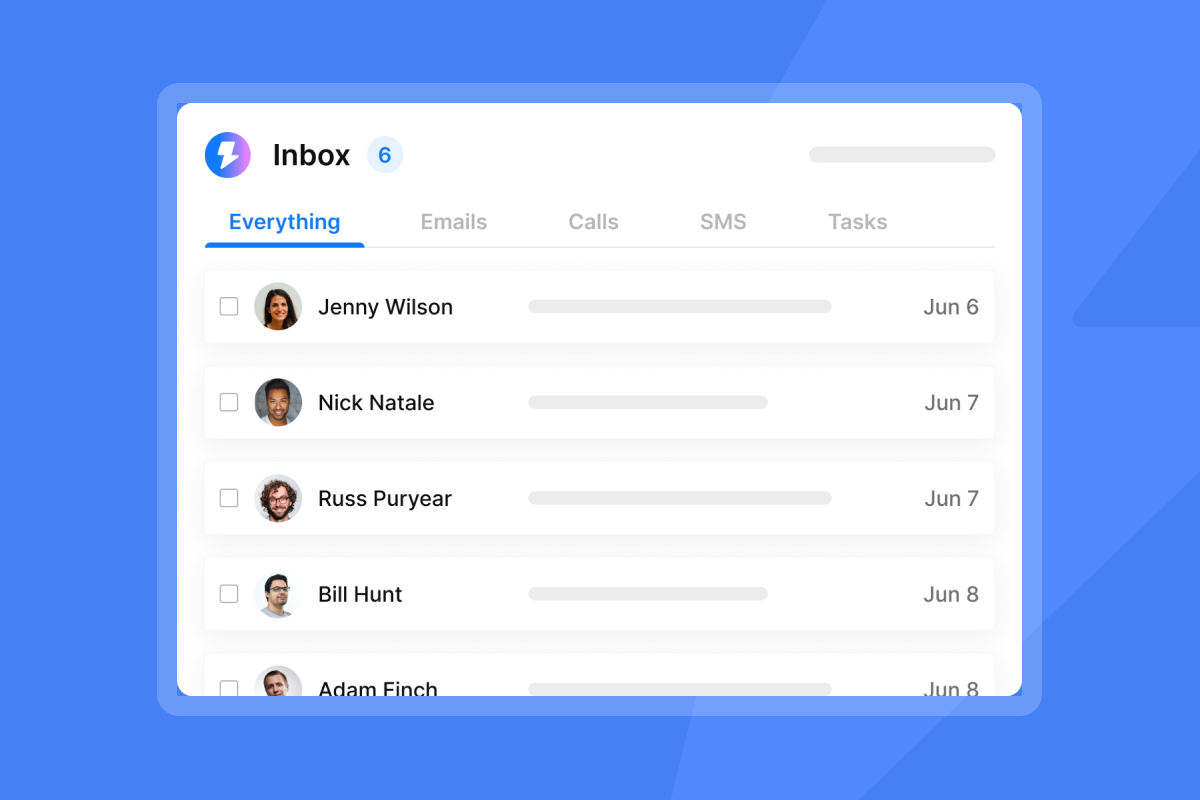
Reply management across multiple clients | Check each inbox individually | Triage all replies from one Unibox dashboard |
Asset request follow-up | Chase manually per client | Automated reminder tied to sequence step |
Onboarding emails go unread for one predictable reason: generic subject lines and no clear call to action. Research on email deliverability shows inbox placement varies significantly by email type and sender conditions, with some senders achieving placement rates as high as 97.9% while others struggle below 80%. A subject line like "Welcome to [Agency]" competes with dozens of vendor emails and carries none of the urgency that gets a reply.
Common first-week client hurdles
Three hurdles reliably stall onboarding in week one:
- Missing assets: Clients delay submitting case studies, testimonials, or ICP details because they do not understand what is needed or why it is urgent.
- DNS setup delays: SPF, DKIM, and DMARC records require client IT involvement, which can take 24 to 72 hours to resolve. Without authentication, warmup cannot run properly.
- Unclear timelines: Clients who do not understand the 30-day warmup ramp expect campaign results in week one and grow frustrated when they do not see them.
Address all three in your Day 3 email with a subject line that creates urgency around a specific action, such as "Action needed: 2 items to launch your campaign," paired with a single CTA. The checklist approach in our cold email subject line guide applies directly to client-facing onboarding emails.
Day 3 onboarding email: Actionable steps
The Day 3 email proves momentum and collects remaining inputs.
Show progress and verify next steps
By Day 3, your agency should report concrete accomplishments that required no client input, then follow immediately with a short checklist of what you still need:
What you have completed:
- Domain authentication: SPF, DKIM, and DMARC records published and verified via MXToolbox
- Sending accounts configured: Two to five inboxes per domain added to your sending platform
- Warmup initiated: Automated warmup running via Instantly's private network of 4.2M+ accounts, ramping from 5 sends per inbox per day in Week 1
- Sequence drafted: Two to three messaging variants ready for client review
What you need from the client (by the deadline in your email):
- Confirm ICP details: job title, company size, industry, geography
- Select preferred messaging angle from the two to three variants attached
- Submit case studies, testimonials, or social proof
- Confirm target campaign launch window
- Verify domain access and third-party integration credentials
Keep the checklist focused and manageable. A sprawling list creates decision fatigue. Our cold email copywriting framework applies here: one clear ask per item, specific, easy to act on.
Confirming your ramp plan
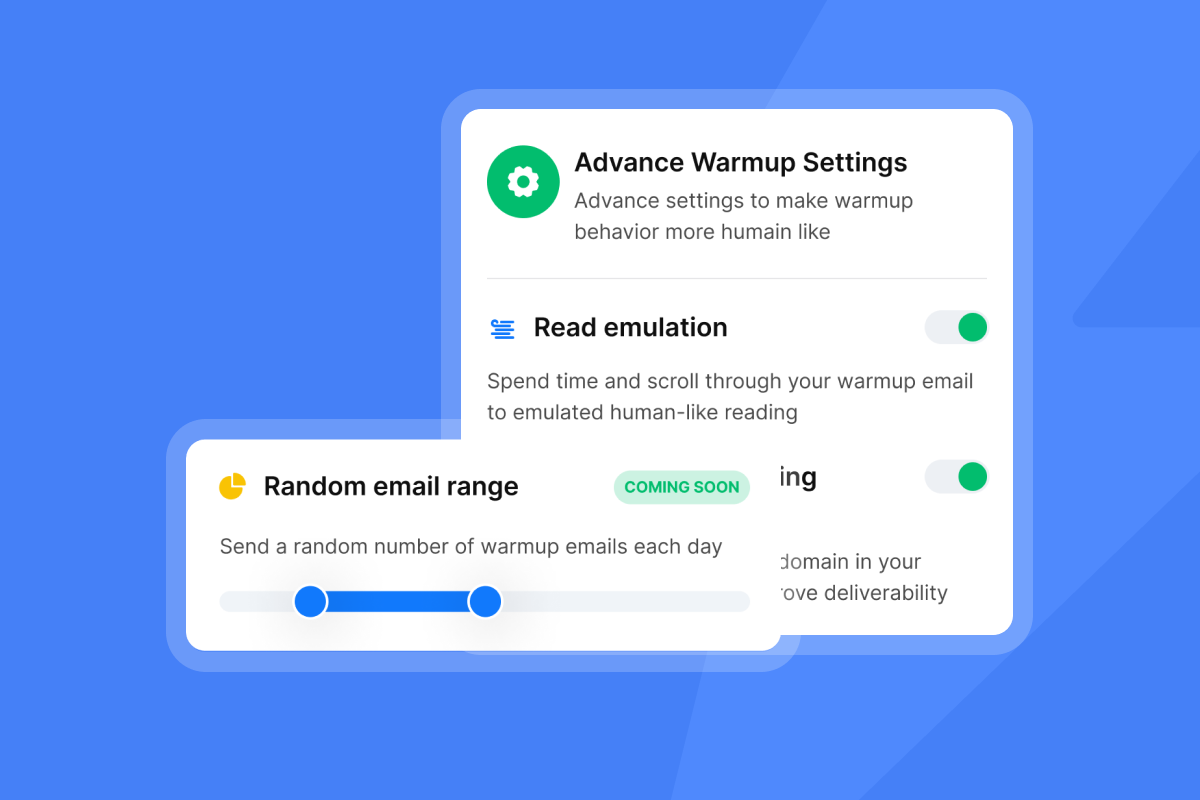
Clients who do not understand the warmup timeline become impatient well before the campaign launches. Preempt that friction in Day 3 by communicating the ramp plan in plain terms.
A reliable ramp for new inboxes starts at 5 sends per inbox per day in Week 1, moves to 15 per day in Week 2, and reaches 30 per inbox per day by Week 3. Major email providers require domain authentication and mandate that bulk senders keep spam complaint rates below 0.3%, with best practice recommending under 0.1%. Explaining this to your client upfront builds credibility and sets accurate expectations about campaign timing. Never exceed 30 emails per inbox per day at any stage.
"Everything is really intuitive, the warmup function is great because you have full control of everything and bulk edits are a game changer. Unibox, CoPilot and AI agents are everything would could ever want." - Mathieu F. on G2
Client questions on Day 3 onboarding
Answering these three questions proactively eliminates the most common support tickets:
- "When will we start sending real emails?" After warmup stabilizes, typically 14 to 30 days for new domains.
- "Why do we need so many email accounts?" Distributed sending across multiple inboxes protects each domain's reputation and scales throughput without risk.
- "How do I know the warmup is working?" You will share inbox placement data and domain health scores in the Day 7 email.

Day 3 onboarding email: Template and tips
Copy this template as your starting point and customize the spin syntax for each client.
A/B test Day 3 subject lines
Consider testing two subject line variants on your Day 3 email. Here are three options:
- Variant A (action-focused): "2 quick items before we launch your campaign"
- Variant B (progress-focused): "[Company], your domain is warming up - here's where we stand"
- Variant C (urgency): "Need your input by Friday to hit your launch date"
Instantly's A/Z testing feature automatically tracks reply rates across variants and promotes the higher performer. You configure variant split, minimum send threshold, and auto-optimize settings directly in the campaign dashboard.
Day 3 onboarding email body template
The curly brace placeholders below use spin syntax to create variations across a large client base and improve deliverability by avoiding repeated templated patterns. Spin syntax puts alternatives inside curly braces separated by pipes {option A|option B|option C} so each send uses a different version.
Subject: {2 quick items|One small ask|Quick update} before we launch, {{client_first_name}}
Hi {{client_first_name}},
{Good news|Quick progress update|Here is where we stand}: your domain authentication is live and warmup started {this morning|today|earlier this week}.
Here is what is confirmed on our end:
- SPF, DKIM, and DMARC records: verified
- Sending accounts: configured and connected
- Warmup network: active (using a private network of 4.2M+ accounts to build your domain reputation safely)
- Initial sequence drafts: ready for your review (attached)
To hit your {target|planned|estimated} launch date of {{launch_date}}, we need two things from you by {{deadline}}. Set {{launch_date}} to 21 to 30 days from signup to complete warmup.
- Confirm your ICP details or flag any changes from our kickoff call
- Pick your preferred messaging angle from the attached options
{Reply to this email|Hit reply|Just reply here} with your selections and we will {get things moving|queue the next step|handle the rest}.
{{sender_name}}
{{agency_name}}
Our guide on follow-up email copy that re-engages without pressure has additional framing tips that apply to client-facing sequences.
Crafting high-impact onboarding CTAs
Write exactly one CTA in each Day 3 email. Two CTAs split the client's attention and lower response rates. The CTA must tell the client what to do, how to do it, and why it matters now.
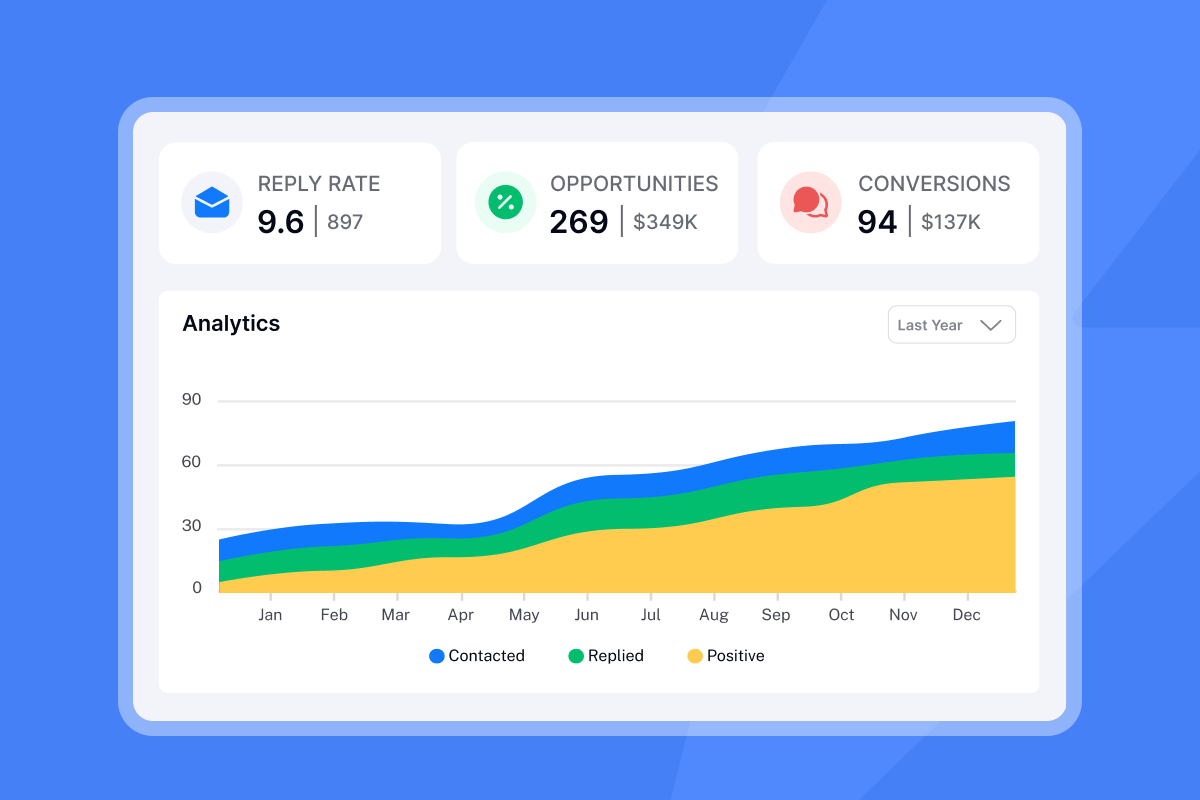
Track reply rate, not open rate. Open tracking is increasingly unreliable due to Apple Mail Privacy Protection and security bots that inflate counts. Reply rate tells you whether the client actually acted.
"I use Instantly to generate AI email sequences, and I find it to be a complete package that saves a lot of my time." - Zack K. on G2
Your Day 7 client onboarding follow-up
Day 7 shifts tone from setup to performance. By Day 7, you have one week of warmup data, DNS verification, and (in some cases) initial sends to report on. Your client needs numbers, not reassurance.
Day 7 deliverability and performance review
Run an automated inbox placement test before writing your Day 7 email so you share current data, not cached metrics. Our email deliverability for sequences guide covers each of these checks in detail.
Share the following metrics in every Day 7 email, using Mailgun's industry benchmarks as context for the client:
Metric | Target benchmark | Action if below target |
|---|---|---|
Inbox placement rate | 90%+ (industry standard) | Review authentication settings and sending practices |
Hard bounce rate | Under 1% | Verify list quality and reduce send volume if needed |
Spam complaint rate | Under 0.1% | Review list source and message content |
Warmup ramp progress | On schedule (Day 7: 12-14 per inbox) | |
Domain health score | SPF, DKIM, DMARC configured | Review DNS records and authentication setup |
By Day 7, confirm warmup is progressing on the ramp schedule you communicated in Day 3. Key checks before sending:
- Run inbox placement test across Gmail, Outlook, and Yahoo seeds
- Verify bounce rate is at or below 1%
- Confirm spam complaint rate is under 0.1%
- Check domain blacklist status via MXToolbox blacklist lookup
- Confirm warmup volume is ramping gradually (typically 5-10 emails per inbox during week one, reaching 10-12 by Day 7)
"the email warm-up tool... automatically mimics human behavior and runs in the background to build a sender reputation for multiple new email accounts, ensuring emails land in the primary inbox rather than spam." - lucky b. on G2
Resolve Day 7 client FAQs
The four questions clients consistently ask after one week:
- "Why have not we sent any real emails yet?" Explain the warmup ramp. A 14 to 30 day warmup on new domains is what separates agencies with consistent 90%+ inbox placement from those whose campaigns stall in spam.
- "How do I know my domain is safe?" Share the domain health score, authentication status, and blacklist check results directly in the email.
- "What does Week 2 look like?" Tell the client: "Week 2 ramps to 15 sends per inbox per day. We will launch your first production campaign on [specific date] and monitor reply rate and bounce rate daily to track early performance."
- "Can we increase send volume faster?" Explain that the Google and Yahoo guidelines cap recommended sends at 30 per inbox per day to stay within their 0.3% spam complaint threshold. Protecting that threshold protects your client's domain long-term.
The Day 7 client onboarding email blueprint
Use the following template to deliver Week 1 performance data and confirm campaign launch timing with your client.
Proven Day 7 subject line ideas
- Option A (data-led): "Your Week 1 warmup report: {{company_name}}"
- Option B (forward-looking): "We are ready to launch - confirm your green light"
- Option C (milestone): "7 days in, here is what we have built for you"
Day 7 email content flow and messaging
Subject: Your Week 1 warmup report: {{company_name}}
Hi {{client_first_name}},
One week in and the foundation is solid. Here is your current status:
Domain health:
- Authentication: SPF, DKIM, DMARC confirmed
- Inbox placement rate: {{placement_rate}}% (target: 90%+)
- Bounce rate: {{bounce_rate}}% (target: below 1%)
- Blacklist status: Clean
Warmup progress:
Your sending accounts are ramping on schedule. We are currently at {{current_daily_sends}} emails per inbox per day and will reach our 30-per-inbox target by {{ramp_completion_date}}.
Campaign status:
Your approved sequence is loaded and ready. Based on your confirmed ICP and messaging angle, we are targeting {{target_segment}}.
To confirm launch, reply with:
- Final approval on the attached sequence copy
- Preferred launch date (we suggest {{recommended_date}})
Once we have both, we schedule your first production send. Reply here or book a 15-minute alignment call at {{calendar_link}}.
{{sender_name}}
{{agency_name}}
Day 7 onboarding email CTAs
Give the client two specific options, not one open-ended question. "Reply with approval and your preferred launch date" works better than "Let us know when you are ready." Add a calendar link as a fallback for clients who prefer a call. Keep both options in a short final paragraph so neither gets buried.
Spotting early client onboarding red flags
Watch for these three red flags in week one:
- No response within 48 to 72 hours of Day 1: Send a short two-sentence note with one specific link to click. Do not wait until Day 3 to address silence.
- Missing ICP data by Day 3: Flag this with a clear deadline in your Day 3 email. "To keep your {{launch_date}} start date, we need your ICP details by {{deadline}}." Missing the deadline shifts responsibility to the client, not the agency.
- Repeated questions about the same topic: Clients sometimes ask about warmup timelines or DNS status multiple times. Use Instantly's Unibox to filter replies by campaign and triage in 15 minutes instead of checking individual inboxes. You can also trigger the AI Reply Agent to handle standard status queries in under five minutes per reply, with a human-in-the-loop review step before anything sends.
Agencies managing 10+ clients at a flat monthly fee retain more margin than those on per-seat platforms. Salesloft costs approximately $125 to $165 per user monthly, meaning 10 inboxes runs $1,250 to $1,650 per month. Instantly's Hypergrowth plan at $97 per month covers unlimited inboxes and that gap scales with every client you add.
Ready to automate your client onboarding sequence using the Day 3 and Day 7 templates in this guide? Try Instantly free and build both sequences in under an hour.
FAQs
What is the right email schedule for first-week client onboarding?
Send a welcome email on Day 1, a progress check-in on Day 3, and a performance summary on Day 7. Three structured touchpoints in the first week cover setup confirmation, input collection, and campaign launch alignment without overwhelming the client.
How do I re-engage a client who went silent after the Day 1 email?
Send a short two-sentence follow-up within 48 to 72 hours of silence with a single specific CTA tied to their launch date. If there is no response after Day 3, escalate to a phone call rather than sending a third email.
Can I automate all client onboarding emails?
Yes. Build the Day 3 and Day 7 emails as a triggered sequence in Instantly, populate them with spin syntax for variation, and set the trigger to fire automatically when a new client workspace is created. Use Unibox to manage all replies from one dashboard instead of checking individual inboxes.
When should I escalate to a call instead of sending another email?
Escalate when deliverability questions or technical setup issues need real-time explanation, or when multiple back-and-forth emails aren't resolving the blocker. A 15-minute alignment call resolves more friction than three back-and-forth email threads.
How many emails per inbox per day is safe in week one?
Cap sends at 5 emails per inbox per day in Week 1 and ramp to no more than 30 per inbox per day by Week 3. Google and Yahoo's 2024 bulk sender requirements set a 0.3% spam complaint threshold, and exceeding 30 per inbox per day raises the probability of triggering complaint rate violations that damage long-term sender reputation.
Read Next
- How to Write Cold Emails That Get Responses
- Cold email subject lines for follow-ups
- Email tracking myths debunked
Key terms glossary
Sender reputation: The aggregate score email service providers assign to a sending domain based on authentication status, bounce rates, spam complaint rates, and engagement signals. A damaged sender reputation routes emails to spam rather than the primary inbox.
Spin syntax: A formatting method that uses curly braces and pipe characters to create multiple text variations from a single template. For example, {Hi|Hello|Hey} {{FirstName}} generates three different greetings across sends to avoid templated content patterns that spam filters flag.
Unified inbox: A single dashboard that aggregates replies from all sending accounts and all client workspaces into one view. Instantly's Unibox filters replies by campaign, account, or custom label so agencies handle all client replies without switching between individual inboxes.
List hygiene: The process of verifying, deduplicating, and removing invalid or role-based addresses from a contact list before sending. Clean lists keep bounce rates below 1% and protect sender reputation.



